What does VibeAds set up for conversion tracking?
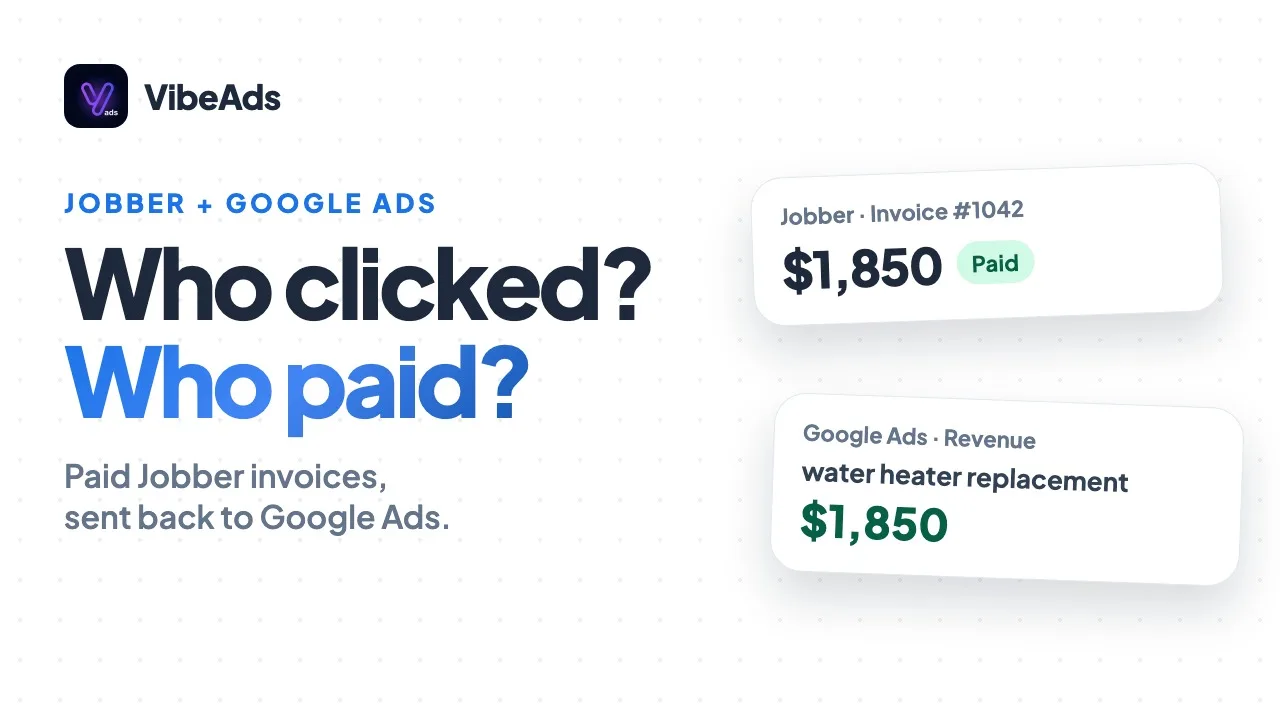
When you publish a campaign with VibeAds, Google Tag Manager and your Google Ads conversion actions are set up for you. Form fills and calls on the pages VibeAds builds count as leads, call tracking is part of the plan, and on Max one dashboard shows your leads, cost per lead and spend. Tracking is included with Pro at $20 a month for the campaigns you publish with VibeAds, and Max at $149 a month adds the analytics dashboards.
You don't open Tag Manager, write a trigger or create a conversion action by hand. This guide covers what gets set up, what counts as a lead, what each plan includes and how to check it's working.
Why is Google Ads tracking so much work to set up yourself?
Setting up Google Ads tracking yourself means Tag Manager, tags, triggers and conversion actions, and getting each piece to talk to the next. It takes hours, or you pay someone to do it. Then there's another bill for call tracking, and another for a tool to read the numbers.
It matters because Google Ads can only learn from what you count. Without tracking, you're paying for clicks and guessing which ones turned into work. Our explainer on what Google Ads conversion tracking is covers the do-it-yourself version, and how to track conversions for a local business goes through the pieces one by one.
What happens when you publish?
When you publish, VibeAds sets up Tag Manager for your account and creates the Google Ads conversion actions for the campaign, then connects them to the pages it builds. There's nothing to paste and nothing to configure.
| The usual job | Doing it yourself | With VibeAds |
|---|---|---|
| Tag Manager | Create a container and install it | Set up for you when you publish |
| Tags and triggers | Write one for each form and phone link | Already on the pages VibeAds builds |
| Conversion actions | Create them in Google Ads | Created for each campaign you publish |
| Call tracking | Another tool and another bill | Included, 1 number on Pro and 5 on Max |
| Reading the numbers | Another tool, or a spreadsheet | One dashboard for leads, cost per lead and spend on Max |
This covers the campaigns you publish with VibeAds. For older or imported campaigns that don't have the full set, the campaign's Tracking tab shows an Upgrade conversion tracking card that adds it.
What counts as a lead?
Form fills and calls on the pages VibeAds builds count as leads. Someone fills in the contact form on your landing page, or taps your number to call, and Google Ads hears about it.
- Form fills. A completed contact form on a VibeAds landing page.
- Taps on your number. Every tap on your number on a VibeAds page counts as a phone call click.
- Calls from your ad. The call conversion VibeAds sets up for each campaign counts a call from the ad's call button once it lasts 60 seconds.
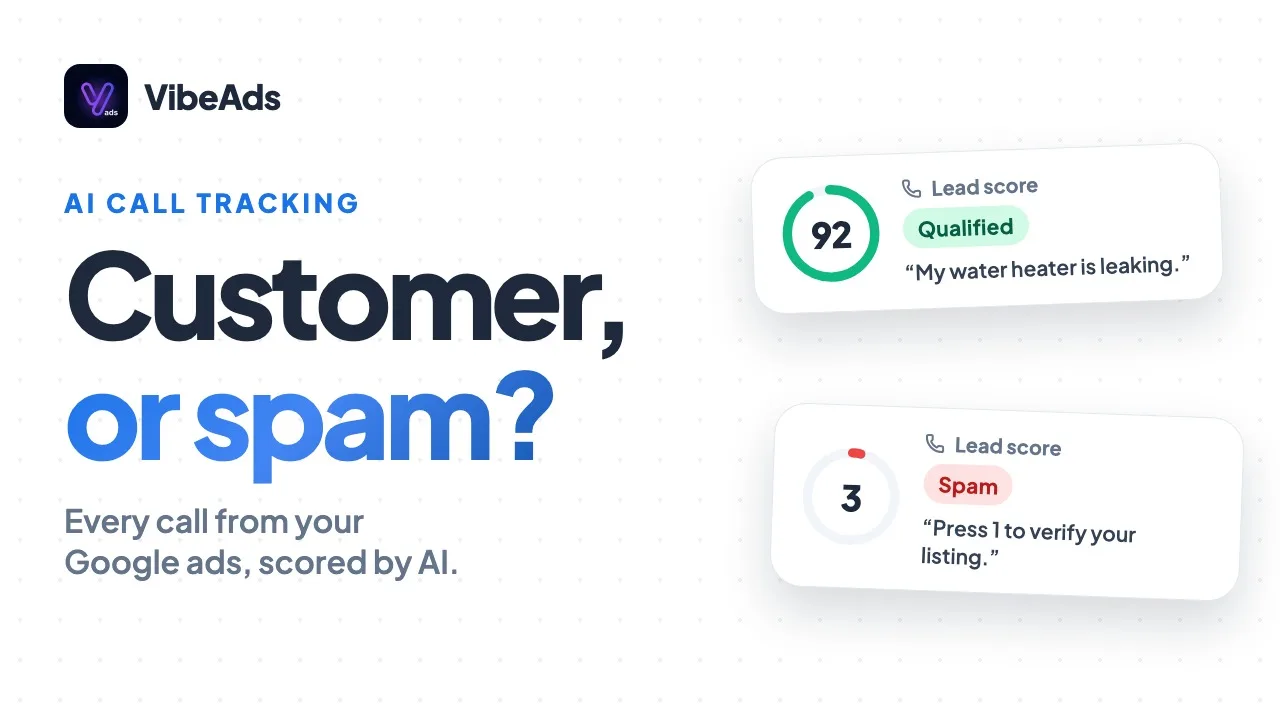
- Qualified calls. With call tracking, calls that the AI scores 30 or more out of 100, and that aren't spam, go back to Google Ads tied to the ad click when there is one.
Because these are counted on the pages VibeAds builds, a form on your own website isn't covered the same way. Want ads that send people to pages with this already in place? See Google Ads without a website.
How does call tracking fit in?
Call tracking is part of the plan, not a separate bill. Pro includes 1 tracking number and 100 call minutes a month. Max includes 5 tracking numbers and unlimited minutes.
Calls to a VibeAds tracking number are recorded with consent, transcribed and scored by AI, and qualified ones become leads and go back to Google Ads. Our call tracking guide covers recording, scoring and the Calls tab in full. This page is about how calls fit into your tracking as a whole.
What does the analytics dashboard show on Max?
On Max, one dashboard shows your leads, cost per lead and spend, so you can see what your ads are costing you per lead without exporting anything. It's the same campaigns, read in one place, instead of another tool to pay for.
Cost per lead is your spend divided by the leads it brought in, and it's the number most owners care about. For how it compares across trades, see our report on Google Ads cost per lead by industry, and for the rest of the report columns, how to read Google Ads reports.
Which plans include tracking and dashboards?
Tracking is included with Pro at $20 a month, for the campaigns you publish with VibeAds: Tag Manager, conversion tracking and 1 call tracking number with 100 call minutes a month. Max at $149 a month adds the analytics dashboards and 5 call tracking numbers with unlimited minutes.
| Free | Pro ($20/month) | Max ($149/month) | |
|---|---|---|---|
| Tag Manager set up when you publish | No | Yes | Yes |
| Google Ads conversion actions created for you | No | Yes | Yes |
| Form fills and calls counted as leads | No | Yes | Yes |
| Call tracking numbers | None | 1 | 5 |
| Call minutes a month | None | 100 | Unlimited |
| Dashboard for leads, cost per lead and spend | No | No | Yes |
Full plan details are on the pricing page.
How do you check that tracking works?
Check it from the campaign's Tracking tab. Its Verify Installation panel takes a landing page address and checks that the pieces are in place, including the Tag Manager container, the Google Ads conversion tag and the form and phone handlers.
- Publish your campaign on Pro or Max.
- Open the campaign's Tracking tab and run Verify Installation on one of your pages.
- Look for the Upgrade conversion tracking card on older or imported campaigns, and use it if it shows.
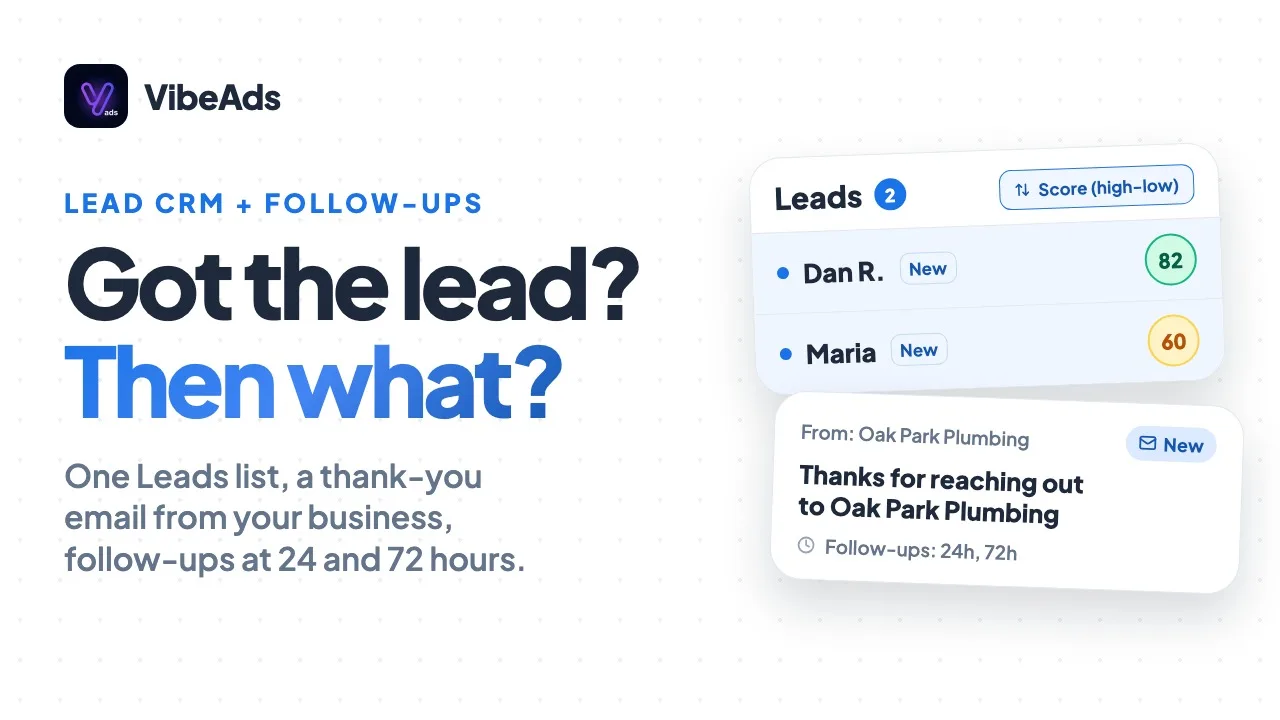
- Send a test lead through your own page and look for it in your Leads list. The Lead CRM guide covers the list.
- Make a test call from a different phone than your business line, if you use call tracking, and look for it in the Calls tab.
What does VibeAds do if tracking breaks?
The agent watches for it. A day with 50 or more clicks, no conversions and no leads on record triggers a tracking warning. Where VibeAds set up your tracking, it also checks your landing page weekly, and while tracking is broken, the agent holds back recommendations that depend on conversion numbers.
That matters because every check the agent makes leans on your conversions. More on what it watches in the optimization agent guide.
FAQ: Conversion tracking with VibeAds
Do you need to know Google Tag Manager?
No. Tag Manager and your conversion actions are set up for you when you publish, on Pro and Max.
Does it work on campaigns you didn't publish with VibeAds?
Tracking is set up for the campaigns you publish with VibeAds. Older or imported campaigns may show an Upgrade conversion tracking card on their Tracking tab.
Is call tracking included?
Yes. Pro includes 1 tracking number and 100 call minutes a month, and Max includes 5 numbers and unlimited minutes.
Where do you see cost per lead?
On Max, one dashboard shows your leads, cost per lead and spend.
Is tracking on the Free plan?
No. Tag Manager, conversion tracking and call tracking are included with Pro at $20 a month and Max at $149 a month.
Bottom line
Tracking is the part of Google Ads most owners never get to, and the part everything else depends on. With VibeAds, Tag Manager and your conversion actions are set up when you publish, form fills and calls on your pages count as leads, and call tracking comes with the plan. On Max, one dashboard shows leads, cost per lead and spend. No more paying for it piece by piece: tracking is included with Pro ($20 a month), and the analytics dashboards are on Max ($149 a month).