What is AI call tracking for Google Ads?
AI call tracking gives your Google Ads campaign its own phone number, records the calls that come in on it, and tells you which of those calls were real customers. In VibeAds, calls from your ads are recorded after the caller hears a short recording notice, AI writes a transcript and scores the lead from 0 to 100, spam is flagged, and qualified calls that came from an ad click are sent back to Google Ads as conversions. It is included with the Pro and Max plans and works on Search campaigns.
Basic call tracking stops at a number and a call log, and someone still has to listen to every call to know what it was worth. The AI does that listening for you, so you can see at a glance which call was a burst pipe and which was a robocall.
Why do phone calls matter so much for local service businesses?
For plumbers, HVAC companies, electricians, roofers and most other trades, the phone call is where the job gets booked, so a campaign is only as good as the calls it brings in. Google Ads counts calls from taps on your number and from how long a call lasts, and that count can't separate a homeowner with water on the floor from a telemarketer, a wrong number or a job seeker.
Counting is not judging. A two-minute pitch from someone selling you software counts exactly like a two-minute call from a homeowner who wants a new water heater this week. And because Google's automated bidding learns from whatever you count, junk calls that look like real jobs can teach it to find more of the same. That is why we treat call tracking as one of the foundations to get right before you try newer Google automation like AI Max.
How does VibeAds call tracking work, step by step?
VibeAds call tracking puts a tracking number on your landing pages and behind your ad's call button, plays a short recording notice, forwards each call to your real phone, then transcribes and scores the call and reports the qualified ones to Google Ads.
Here is the path of one call:
- You get a local tracking number. We look in your business phone's area code first, then nearby codes and your state, then anywhere in the US, with toll-free as the last resort.
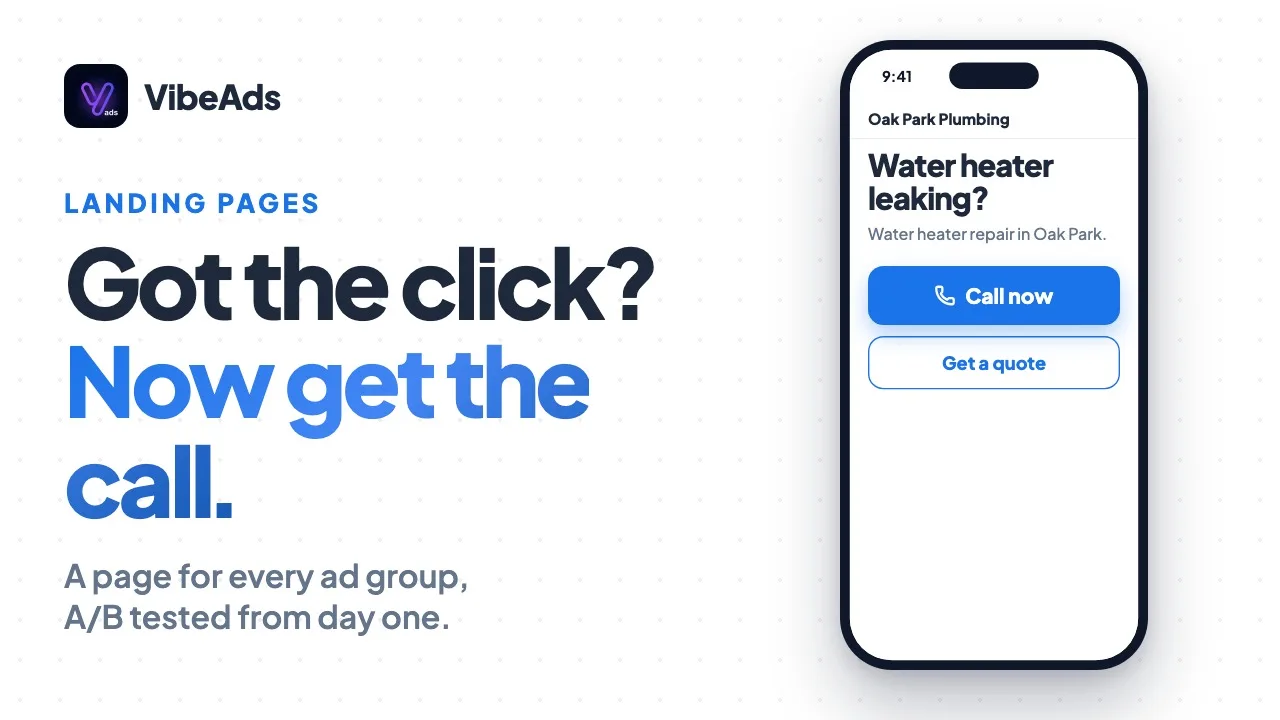
- The number goes where your ads send people. Phone buttons and links on VibeAds landing pages show it, A/B test versions included, and calls from your ad's call button go to it too.
- The visit is remembered for 30 minutes. The page saves Google's click ID for each ad visit, so a call within 30 minutes can be matched to the click.
- The caller hears a notice before the call connects: "This call may be recorded for quality purposes."
- Your phone rings for up to 30 seconds, with the tracking number as caller ID, so you know the call came from an ad. Recording starts when you answer and captures both sides.
- AI writes the transcript and scores the lead. Hang-ups under 5 seconds are skipped. Every other call gets a transcript, a summary and a score from 0 to 100.
- Qualified calls become leads. A call scoring 30 or more that isn't spam becomes a lead in your VibeAds CRM, with the caller's number and the summary.
- Google Ads hears about it. Every 15 minutes, we upload the qualified calls that match an ad click as conversions.
If nobody answers within 30 seconds or the line is busy, the call is marked missed and we email you the caller's number with a call-back button. If your own voicemail answers first, the call counts as answered: it is recorded and scored, but no missed-call email goes out.
What does the AI check on each call?
The AI checks what you would want to know before calling someone back: whether the caller wanted work done, what kind, how soon, and roughly what it is worth. Each analyzed call gets a score from 0 to 100, an outcome, the service, the urgency, a summary and a recommended next step.
| What you see | What it tells you |
|---|---|
| Lead score, 0 to 100 | How likely the call is a real job. It rises for a clear request, a specific problem, urgency and questions about price or scheduling, and drops for spam, wrong numbers and people just browsing. |
| Outcome | Booked, Interested, Info Only, Not Interested, Spam, Voicemail or Missed |
| Service | The job in plain words, like "water heater repair" or "roof leak" |
| Urgency | Emergency, Urgent, Soon, Flexible or Unknown |
| Caller and location | The name and the city, zip or neighborhood the caller mentioned |
| Estimated value | A rough job value, starting from a default for your trade |
| Flags | Needs a callback, mentioned a competitor, price sensitive |
| Recommended action | Call Back ASAP, Follow Up Today, Add to Drip, or No Action Needed |
Spam means robocalls, telemarketers, wrong numbers and automated messages. A voicemail from a real person asking for service counts as a lead. The score is a model's judgment of the conversation, not a verdict.
What do you see in the Calls tab?
The Calls tab on each campaign lists every tracked call with its score, outcome and summary, plus totals for the period you pick. Open any call to play the recording, read the transcript and see the full AI analysis.
The totals cover calls, qualified share, average length, spam rate, estimated value, conversions sent to Google Ads and missed calls, with filters for All, Qualified, Spam or Missed over 7, 30 or 90 days or the past year. Inside a call, you can play the recording at up to 2x speed, read the transcript split into Caller and Business, and jump to its lead in your CRM when there is one.
"Qualified" in this tab means a score of 50 or more and not spam, a higher bar than the 30 used for leads and Google Ads uploads. Recordings only play inside your signed-in VibeAds account, and on Pro a bar shows how many of the month's 100 included minutes you have used.
How does call tracking help Google Ads bid better?
Call tracking gives Google Ads better data to learn from. On top of Google's own call counting, VibeAds reports which ad clicks turned into real, qualified phone conversations, and each report is tied to the original click, so the conversion shows up against the keyword and search term that led to the call.
A few details shape that signal:
- Spam never gets reported. Neither do calls scoring under 30, so junk can't teach Google to find more junk.
- Each conversion carries a value, the AI's estimated job value, not just a count.
- Matching has a backup. If your Google Ads account has accepted Google's customer data terms, the caller's phone number goes along too, hashed (scrambled) before it leaves VibeAds, to help Google match the call.
- Calls from the ad's call button work differently. Those callers never visit your page, so there is no click ID to send. They are still recorded and scored, qualified ones still become leads, and Google counts them itself: the call conversion we set up for each campaign counts a call from the ad once it lasts 60 seconds.
New VibeAds campaigns start on manual bidding while data builds up. As conversions add up, our optimization agent can suggest stepping up to automated bidding, and its bar for Maximize Conversions is 30 conversions in 30 days. Once a campaign bids on conversions, the qualified calls you report are part of what Google aims for. Our guide to bidding strategies for local businesses covers that progression.
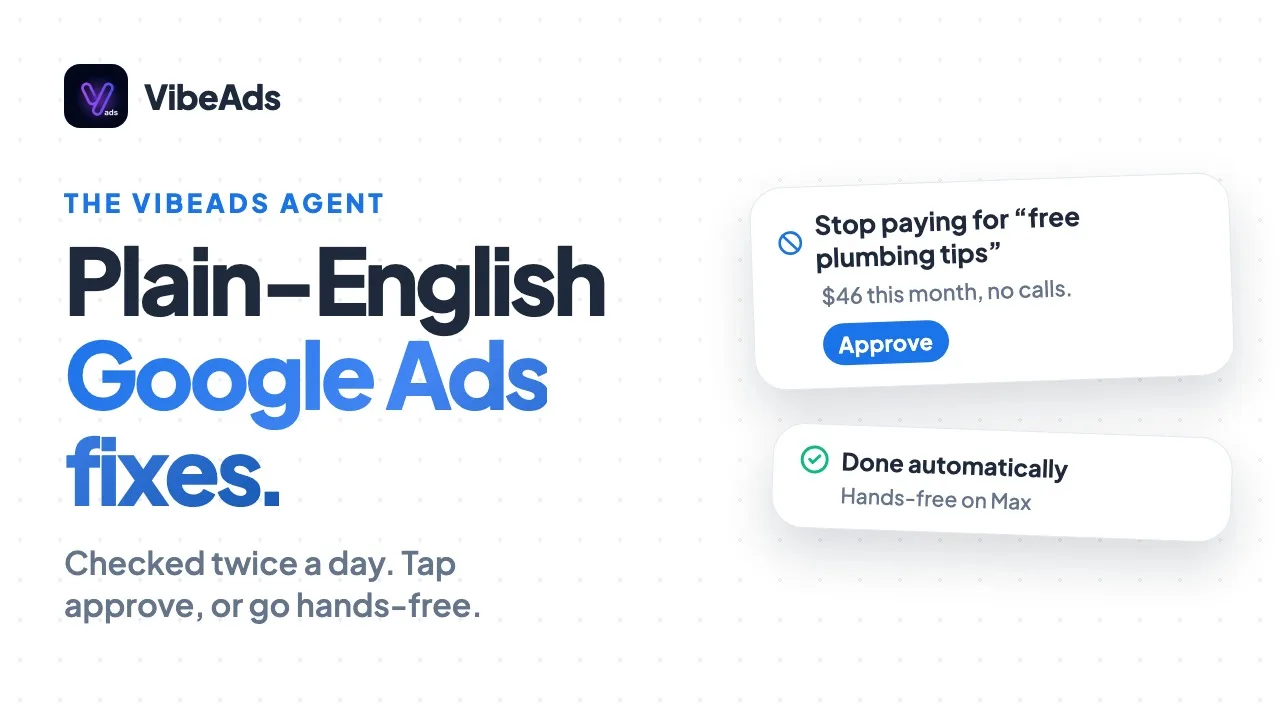
The agent also watches call quality. With at least 20 calls in the last 30 days, it flags a spam rate above 40 percent, a missed-call rate above 25 percent or a qualified rate under 30 percent, and suggests a fix, such as negative keywords or clearer ad copy.
Which plans include call tracking, and what are the limits?
Call tracking is included with Pro at $20 a month and Max at $149 a month, and it is not available on the Free plan. Pro includes 1 tracking number and 100 call minutes a month. Max includes 5 tracking numbers and unlimited minutes.
| Free | Pro | Max | |
|---|---|---|---|
| Price | $0 | $20 a month | $149 a month |
| Call tracking | Not included | Included | Included |
| Tracking numbers | None | 1 in total | 5 in total |
| Campaigns tracked at once | None | 1 | Up to 5 |
| Call minutes a month | None | 100 included | Unlimited |
| Recording, transcript and AI score | No | Yes | Yes |
| Qualified calls sent to Google Ads | No | Yes | Yes |
A few details worth knowing:
- Numbers belong to your VibeAds account, and each campaign uses one. You can move a number between campaigns in the Calls tab.
- Minutes count talk time on answered calls, across all your campaigns, and reset each month.
- On Pro, calls keep connecting past 100 minutes. We never cut off a caller over a limit; the Calls tab shows how far over you are and offers Max.
- Call tracking doesn't use your monthly credits.
Full plan details, including yearly prices, are on the pricing page.
How do you set up call tracking in VibeAds?
Setting up call tracking takes a few minutes per campaign: open the campaign's Calls tab, enter the phone number you want calls to ring, and click Provision Tracking Number. VibeAds then puts the number on your landing pages and points your ad's call button at it.
- Be on Pro or Max. The Calls tab appears on Search campaigns.
- Enter your business phone number in the campaign's Calls tab. This is the line calls ring through to, and it has to be a US number.
- Click Provision Tracking Number. If the campaign isn't live in Google Ads yet, the ad picks up the tracking number when it publishes.
- Save the tracking number in your phone's contacts. Ad calls show it as the caller ID, so name it something like "Google Ads call" and nobody ignores it as an unknown number.
- Using your own website? Copy the code snippet from the Calls tab into your site and add the
data-tracking-phoneattribute to your phone links. Then open your site through one of your ads and check that the number changed. - Check where alerts go. Missed-call emails go to your account email unless you set another address under Email Notifications in Settings.
- Make a test call from a different phone than your business line, and look for it in the Calls tab.
What mistakes should you avoid, and when is call tracking not the right fit?
The most common call tracking mistakes are putting the tracking number where your ads don't send people, letting ad calls ring out, releasing a number you still use, and treating the lead score as final. Call tracking is also a poor fit if your business line isn't a US number, most of your callers don't speak English, you can't record calls, or you don't run Search campaigns.
Mistakes to avoid:
- Using the tracking number everywhere. Keep your regular number on trucks, cards and your Google Business Profile. On the tracking number, those calls can get credited to whoever last visited your page from an ad.
- Letting ad calls ring out. You already paid for the click behind a missed call. Call back quickly from the missed-call email.
- Releasing a number you still use. A released number goes back to the phone provider and stops connecting, so anyone who saved it reaches a dead line. We restore your own number on your pages and your ad. On Pro, move the number to another campaign instead.
- Expecting exact matching when visits overlap. A call is matched to the most recent visit to that campaign's pages in the last 30 minutes, so when two people land minutes apart, it can be credited to the later visit.
- Treating the score as final. Spot-check recordings, especially mid-range scores, before you act on them.
Call tracking is not the right fit when:
- Your business line isn't a US number. Both the tracking number and your line have to be US numbers.
- Most of your callers speak another language. Transcripts are set up for English, so other calls may not get a useful transcript or score.
- You can't record calls. Every answered call is recorded, and there is no option to track without recording.
- You don't run Search campaigns. In VibeAds, call tracking lives on Search campaigns, not Performance Max or Display.
FAQ: AI call tracking for Google Ads
Do callers know the call is being recorded?
Yes. Before the call connects, every caller hears "This call may be recorded for quality purposes." Recording starts once your side picks up.
Will your customers see a different phone number?
Yes. Visitors to your VibeAds landing pages see the tracking number, and your ad's call button routes to it. Every one of those calls rings your real phone.
Does it work if your ads go to your own website?
Yes. Add the snippet from the Calls tab to your site, tag your phone links with data-tracking-phone, and check that ad visitors see the tracking number.
What happens if you go over 100 minutes on Pro?
Calls keep connecting. The Calls tab shows your minutes and warns you as you get close. If you regularly take more calls than that, Max has unlimited minutes.
Does call tracking work with Jobber?
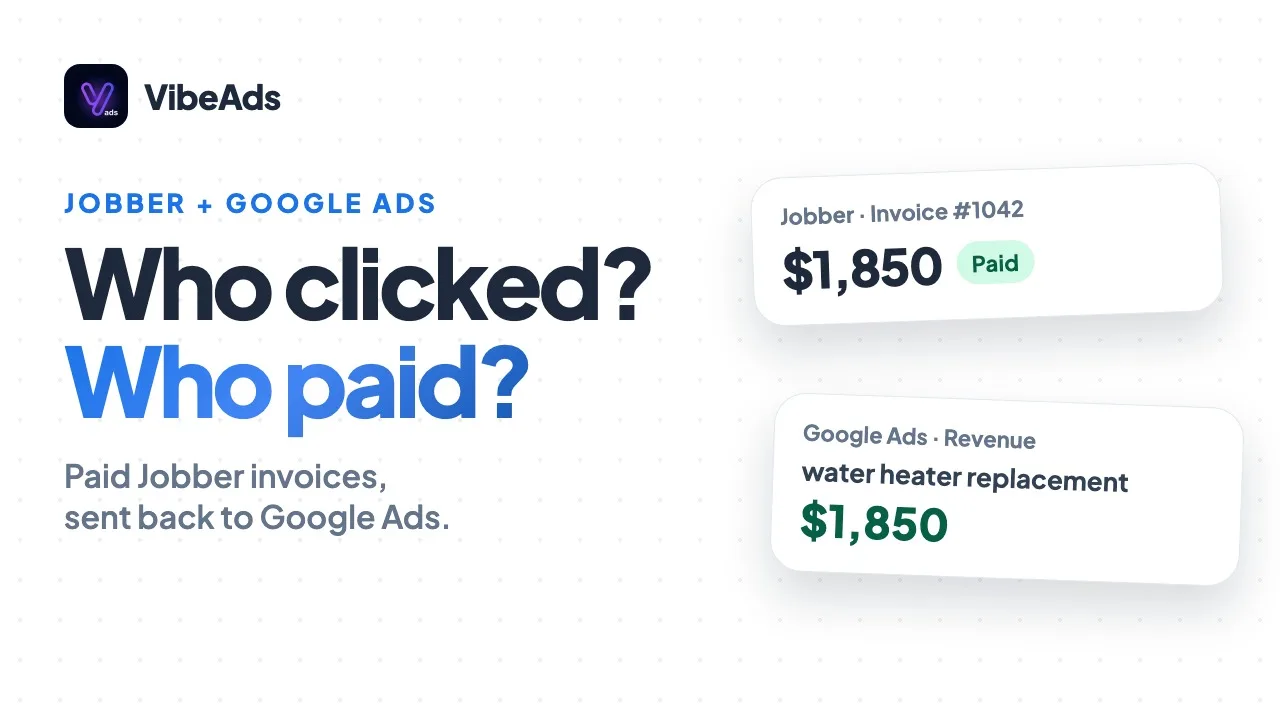
Yes. When a call scores 30 or more and isn't spam, we send the caller's details to Jobber and open a request there. On Max, while Jobber is connected, paid invoices go to Google Ads with the real revenue in place of call estimates, so one customer isn't counted twice. On Pro, qualified calls keep going to Google Ads as before. More on the Jobber integration.
Does call tracking use your credits?
No. Tracking numbers, recordings, transcripts and scoring don't use any of your monthly credits.
Bottom line
Google Ads can count your calls, but it takes a recording, a transcript and a score to know which ones were customers. VibeAds call tracking does that listening on the calls from your ads, keeps spam out of your leads and your conversion data, and tells Google which clicks turned into real leads, so your bidding learns from the right calls.
If the phone is how your business books work, start with your main Search campaign. Save the number, answer fast, spot-check the scores, and let the Calls tab show you which searches bring customers. The call tracking docs go into more detail.