What is the VibeAds optimization agent?
The VibeAds agent is the part of VibeAds that keeps working on your Google Ads after your campaigns go live. On Pro and Max it checks every published campaign twice a day for wasted spend, weak keywords, search terms that don't fit your business and things that have quietly broken, and turns what it finds into plain-English recommendations. On Pro you approve a fix with one tap. On Max it can also make the small, safe fixes itself, check whether they helped, and undo any that made things worse.
It isn't a chatbot guessing at your account. Most of it is rules with fixed thresholds, plus a few steps where an AI model does the reading, and we show which is which below.
Why does a Google Ads account need attention every week?
A Google Ads account leaks money a few dollars at a time, and the leaks move. New search terms show up that have nothing to do with your work, a keyword keeps getting clicks that never become calls, a landing page stops loading, or tracking quietly stops recording leads. None of it announces itself, and most owners find out when the phone goes quiet or the bill looks wrong.
Catching it is steady weekly work, and it's the first thing to slip when you're booked solid. That weekly routine is what the agent runs for you.
What does the agent check, and how often?
VibeAds pulls fresh numbers from your Google Ads account every 6 hours, and on Pro and Max the agent checks every published campaign twice a day (once a week on Free). Its rules cover more than 100 specific problems, from search terms that waste money to landing pages that stop loading and tracking that stops recording leads.
The main groups:
- Search terms: searches that spent money without a conversion, DIY and research searches, product shopping, and searches that don't match what you do.
- Keywords and targeting: keywords that spend without leads or rarely show, bids too low for the first page, ad groups competing for the same search, and locations, devices or hours that spend without results.
- Ads and landing pages: weak ad strength, headlines Google has stopped showing, and landing pages that are slow, hard to use on a phone or failing to load.
- Tracking and calls: clicks with no conversions and no leads, and, if you use call tracking, a high share of spam, unqualified or missed calls.
- Budget and bidding: budgets that run out early or go unspent, lost impression share, and whether a campaign has enough conversions for a smarter bidding strategy.
A few examples show how careful the rules are:
- Money burned today isn't enough on its own. A search term that spent more than $5 today on 3 or more clicks with no conversion is flagged at once, but it only becomes a one-tap fix, which Max can apply on its own, if the past 7 days confirm it: at least $15 spent (or 30% of a day's budget, if lower) and no conversion. Even then, only that exact search is blocked. Otherwise it's left for you to judge.
- Your own services are protected. A search term that shares a word with your services or the keywords you bid on isn't flagged by the click-count rule.
- Keywords get a lower bid before a pause. For a keyword that keeps spending without converting, the first recommendation is a 30% lower bid, and new campaigns need up to six times more evidence, because leads can take days to arrive.
- Broken tracking gets called out. A day with 50 or more clicks, no conversions and no leads on record triggers a tracking warning. Where VibeAds set up your tracking, it also checks your landing page weekly, and while tracking is broken, the agent holds back recommendations that depend on conversion numbers.
- Steady campaigns are left alone. At 90 days or older, with a stable cost per conversion close to the norm for your trade, a campaign stops getting small-tweak suggestions. Critical problems still get flagged.
Where does AI come in, and where is it plain rules?
Most of the agent is plain rules: fixed checks and thresholds that decide what's wrong, how risky a fix is, whether it may run on its own and whether it worked. On Pro and Max, an AI model helps in three places: reading your search terms, investigating problems with more than one possible cause, and writing a replacement headline when you approve swapping one out.
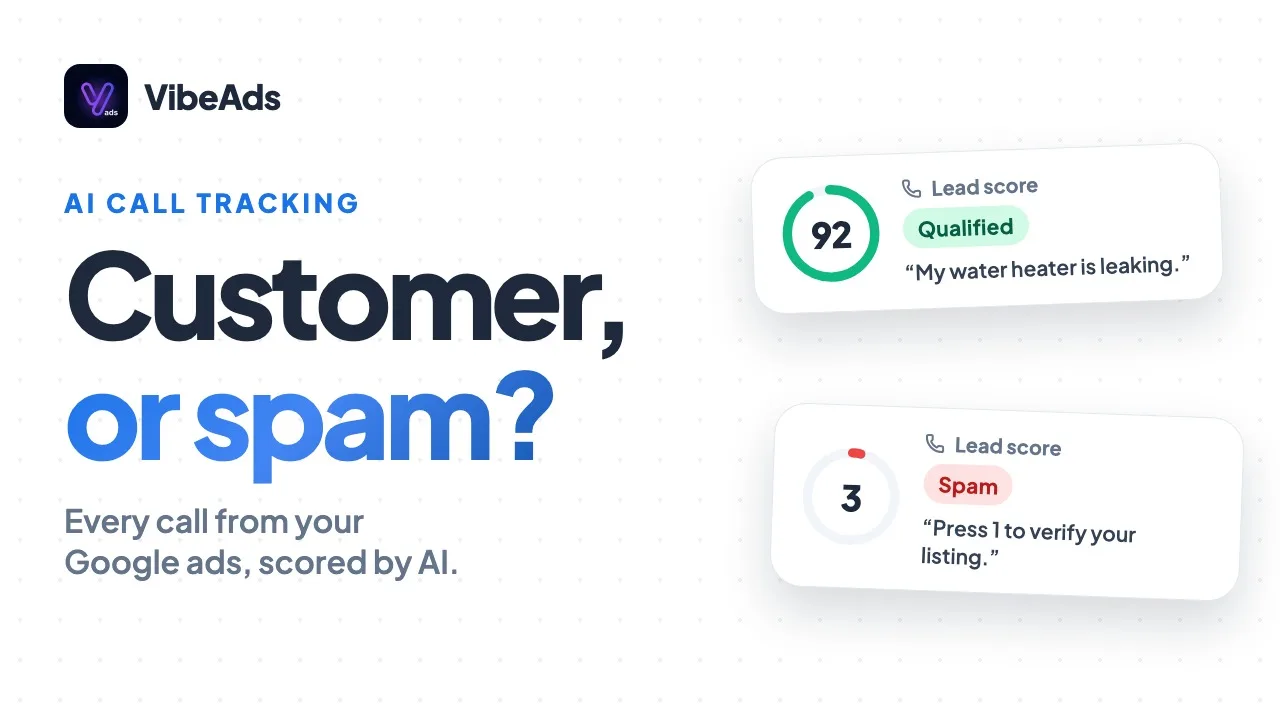
- Reading search terms. The AI reads your recent search terms alongside your trade, services and keywords, and flags poor fits such as DIY research, product shopping or unrelated searches. It skips anything it isn't sure about, and searches it reads as your business name or a competitor's go to you instead of being blocked.
- Investigating. For findings like zero conversions, a low Quality Score or a sudden drop in impression share, the AI goes through the campaign's data and writes up the likely cause and what to do. These appear as suggestions with an AI badge and are never applied automatically.
- Replacement headlines. When you approve replacing a weak headline, such as one Google has stopped showing, the AI drafts candidates, near-copies of your other headlines are thrown out, and the best one left goes in.
The agent's own plain-English recommendations and notices come from templates, not AI. On Free, the agent uses rules only.
What does each plan let the agent do?
On Free, the agent checks once a week and shows what it found, but can't change anything. On Pro, it checks twice a day and every fix waits for your one-tap approval. On Max, hands-free mode, on by default, also lets it make the small, low-risk fixes itself.
| What the agent does | Free | Pro | Max |
|---|---|---|---|
| How often it checks | Once a week | Twice a day | Twice a day |
| Shows the problems it finds | Yes | Yes | Yes |
| AI search-term reading and investigations | No, rules only | Yes | Yes |
| One-tap approval of plain-English fixes | No | Yes | Yes |
| Reverses applied changes that made results clearly worse | No | Yes | Yes |
| Undo button on applied changes | No | Yes | Yes |
| Makes small, low-risk fixes without asking | No | No | Yes, on by default |
| Weekly summary email | No | Yes | Yes, with undo links |
| Price | $0 | $20 a month | $149 a month |
On Free, findings show up in your account health score on the dashboard. On Pro and Max, each campaign's Optimize tab lists them and can run the agent on demand. The agent's checks and fixes don't use credits. The rest of each plan is on our pricing page.
How does the agent decide what it can change without asking?
Every recommendation is sorted two ways before anything changes: how much money it could cost you if it's wrong, and whether you'd recognize the change if you noticed it. Only fixes that are both low-risk and easy to understand can run on their own, and only on Max with hands-free on. Anything that touches your budget, turns a campaign off or on, or pauses an ad group waits for your tap on every plan.
Money at risk. The agent sizes the downside, not the upside:
- Under $50 over a week: can run on its own on Max.
- $50 to $500 over two weeks: can run on its own only once that type of change has a track record.
- Over $500 over two weeks: always asks. That includes pausing or starting a campaign, changing a budget by more than 20% and pausing more than five keywords at once.
The kind of change.
- Can run on Max: blocking a search term that keeps wasting money, stopping two ad groups from competing for the same search, pausing a failing keyword (up to five at once), and adjusting bids for a device, location, time of day or keyword.
- Always asks: any budget change, pausing or starting a campaign, pausing an ad group, switching bidding strategy, and any type of change the agent can't place in a safe group.
- Always asks, at any amount: anything in a restricted trade such as locksmith or garage door, and changes to conversion actions.
Track record. For each type of change, the agent looks at how it has turned out across VibeAds accounts on the same plan in your trade over the last 90 days. It needs at least 8 results that clearly went one way or the other, and even on a cautious estimate at least 80% of them must be improvements. Until then, on Max, the change waits in a queue on the Optimize tab.
Daily limits. Bid adjustments made without asking are capped at 10 per campaign per day. Simple fixes have no daily quota, but one run can apply at most 25 to a campaign. If two recommendations would change the same thing, only one goes ahead. There's more in the hands-free docs.
How does the agent prove a change helped, or undo it?
After a change goes live, the agent compares the campaign's daily numbers with its daily average over the 21 days before. It checks after the first full day, at 7 days, and for mid-size changes at 14 days. If results clearly got worse, it reverses the change and tells you. If they clearly improved, the result adds to the track record for that type of change.
"Clearly worse" means warning signs, measured per day: spend up more than 25%, impressions down more than 40%, conversions down more than 20% (only when at least 7 were expected and at least 3 went missing), or cost per click up more than 35% (only with 30 or more clicks). A small change is reversed on two signs, a mid-size change on one. An improvement needs at least 3 conversions and two good signs, like more conversions or a lower cost per conversion.
It also knows when not to judge. With under 10 clicks or 200 impressions, there's no verdict and the change stays. Bidding strategy switches aren't judged after one day, since Google's bidding needs time to settle. If something else changed on the same campaign in the window, nothing is reversed, because the agent can't tell which change caused the dip. These checks cover every small and mid-size change, whether the agent made it or you approved it.
You can also undo changes yourself, with the Undo button on the Optimize tab: for 7 days after small changes, 14 days after mid-size ones and 48 hours after bigger changes you approved.
Two safety switches sit on top. If three of the agent's changes on your account are reversed at their final check within 30 days, hands-free pauses itself and tells you why. If a type of change leaves results worse more than 60% of the time across at least 50 recent uses in a trade, it goes back to manual approval in that trade until its record recovers. The auto-rollback docs have the details.
What stays in your hands?
Your budget, your campaigns' on and off switches, your bidding strategy and anything with compliance risk stay with you: the agent can recommend those changes, but only you can approve them. You also choose whether hands-free runs on each campaign, and you can reject a recommendation or undo a change.
- Hands-free per campaign. On Max, each campaign's Optimize tab has a "Hands-free mode for this campaign" switch, on by default. Switch it off and that campaign's fixes wait for you, like on Pro.
- It remembers what you turn down. Reject the same kind of recommendation three times and it becomes a plain suggestion instead of a one-tap fix.
- Some findings are advice. Findings like tired ad copy come as suggestions for you to act on, not one-tap fixes.
- Approve from Claude. On Pro and Max, you can list and approve recommendations from Claude with the Claude connector.
What does the weekly summary email include?
Every Sunday, Pro and Max owners with something to report get an email covering the past week: changes that improved results, changes that were reversed, decisions waiting for you, and spend, conversions and cost per conversion compared with the week before. On Max, each change the agent made on its own that improved results has an "Undo this change" link that works for 7 days without logging in.
Quiet weeks get no email. In between, the agent's own changes appear in your dashboard's notifications feed, and when it adjusts a bid on its own you also get a plain-English notice by push, or by email if the push doesn't reach you.
Should you approve every change or go hands-free?
Approve each change, on Pro or on Max with hands-free switched off for that campaign, if you want to see everything before it touches your account, or if a campaign is in an unusual stretch like a seasonal push. Go hands-free on Max if you'd rather the routine fixes happen without you and you're comfortable reading a weekly summary instead.
Either way, keep conversion tracking working, since every check and verdict leans on it, and set a service category on each campaign, since the search-term reading and the track records are matched to your trade.
Hands-free is also separate from Google's own automation. Smart Bidding and AI Max run inside Google Ads under Google's settings; our AI Max guide covers how to keep those in check.
FAQ: The VibeAds optimization agent
Does the agent change your budget on its own?
No. Budget changes of any size wait for your approval on every plan, including Max with hands-free on.
Will the agent pause your campaign?
Not on its own. Pausing or starting a whole campaign always needs your approval, though the agent may recommend it when something is badly wrong.
What does the agent do on the Free plan?
It checks your published campaign once a week with rules only and shows what it found in your account health score. Applying fixes starts on Pro.
Does the agent use credits?
No. Its checks, recommendations, fixes and investigations don't use credits on any plan.
How do you turn hands-free off?
Open the campaign's Optimize tab and switch off "Hands-free mode for this campaign." Its fixes then wait for your approval, and changes already made keep their measurement and their Undo button.
Bottom line
Google Ads rewards the owner who looks at the account every week, and the owner running the jobs rarely has that time. The VibeAds agent does the looking twice a day on Pro and Max, with rules built for local service businesses and AI only where reading or investigating needs it. On Pro you approve its plain-English fixes with one tap. On Max it makes the small, low-risk ones itself, checks whether each helped and reverses any that made results worse. Your budget, your campaigns and anything risky stay with you.