What does "hands-free" mean in VibeAds?
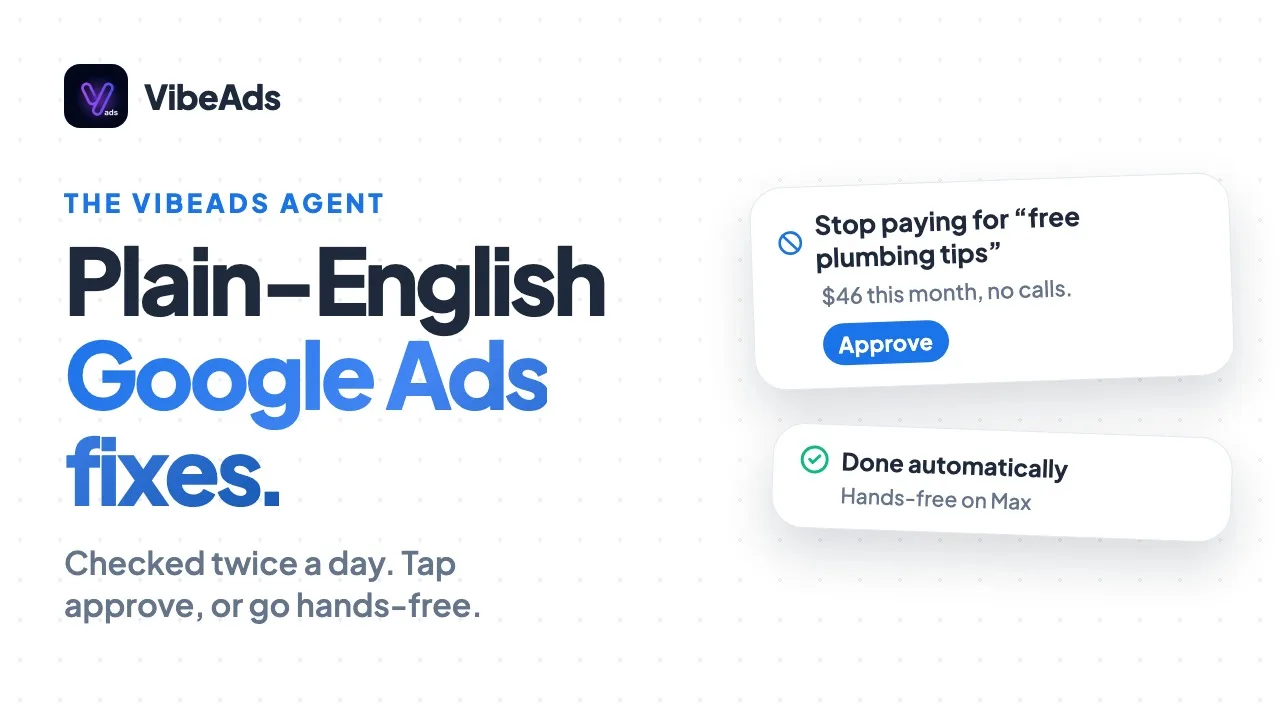
Hands-free in VibeAds means agents keep watching your Google Ads on a fixed schedule, so you don't have to open the account at night, and on the Max plan they also make small, low-risk fixes for you. They pull fresh numbers every six hours, look for wasted money twice a day on Pro and Max, check every night which fixes are working, and send a recap on Sundays. On Max, those fixes are things like small bid changes and blocking search terms that keep wasting money, and a change that makes results worse can be undone. Budgets, new ad groups and the bigger decisions stay with you.
This guide is about the schedule: what runs when, on which plan, and what you see. For the fixes, written in plain English, and the rules behind them, see the optimization agent guide.
Why is Google Ads hard to keep up with when you run the jobs?
Google Ads is hard to keep up with because the work comes after the work. Doing it yourself means going through search terms, bids and budgets after a full day of jobs, and that is the first thing to slip when the calendar is full. The other option is paying an agency a monthly fee on top of your ad spend.
The account doesn't wait for you. New search terms show up, a keyword keeps taking clicks that never turn into calls, or a budget runs out early in the day. None of it announces itself. Our guide on how to stop wasting money on Google Ads walks through the checks by hand. The agents run that routine for you, on a clock.
What runs on the schedule, and how often?
Five things run on a fixed schedule, and the plan you're on decides which ones you get. Pulling your numbers happens on every plan. The twice-a-day review, the nightly check and the Sunday recap are Pro and Max. Fixes that go live on their own are Max only.
| When | What the agents do | Plan |
|---|---|---|
| Every 6 hours | Pull fresh numbers from your Google Ads account | Every plan |
| Twice a day | Review every campaign for wasted money | Pro and Max (Free gets a weekly check-up) |
| Every night | Check which fixes are working | Pro and Max |
| Sundays | A recap lands in your inbox, when there is something to report | Pro and Max |
| On the review | Small, low-risk fixes go live on their own | Max, with hands-free on |
It runs on that schedule, not continuously. The video says "every six hours" and "twice a day" on purpose: that is the rhythm the agents keep.
What happens every six hours?
Every six hours, VibeAds pulls fresh numbers from your Google Ads account: clicks, impressions, conversions, spend and search terms for the campaigns VibeAds manages. This happens on every plan, Free included, and it is what every other check works from.
Pulling numbers changes nothing in your account. It just means that when the agents look at a campaign, they look at recent data and not last week's.
What does the twice-a-day review look for?
On Pro and Max, the agents review every published campaign twice a day for wasted money: search terms that don't fit your business, keywords that spend without leads, budgets that run out early, landing pages that stop loading and tracking that stops recording leads. What they find becomes a plain-English recommendation on the campaign's Optimize tab.
On Free, the same review runs once a week as a check-up, with rules only, and what it finds shows up in your account health score. It doesn't change anything. The optimization agent guide lists the main groups of checks and the thresholds behind them.
What does the nightly check do?
Every night on Pro and Max, the agents check which fixes are working. A change that went live, whether the agent made it or you approved it, is compared with how the campaign was doing before. If results clearly got worse, the change can be reversed and you're told. If they clearly improved, that counts toward the change's track record.
The comparison starts after the first full day and is checked again at 7 days, and at 14 days for mid-size changes. With too few clicks or impressions to judge, the change stays and nothing is decided on thin data. You can also undo a change yourself with the Undo button on the Optimize tab.
What is in the Sunday recap?
On Sundays, Pro and Max owners with something to report get a recap email covering the past week: changes that improved results, changes that were reversed, decisions waiting for you, and spend, conversions and cost per conversion compared with the week before.
Weeks with nothing to report get no email, so don't expect one every single Sunday. On Max, the recap lists the changes the agent made on its own and links to the campaign's Optimize tab, where you can undo a change while it can still be undone.
What can hands-free change on its own on Max?
On Max with hands-free on, small, low-risk fixes can go live on their own: small bid changes, and blocking a search term that has cost money for a week without a single lead. A change that makes results worse can be undone. Nothing goes live on its own in a campaign's first 7 days, and budget changes, pauses, new keywords, new ads, headline swaps, landing page test winners and bidding strategy changes all wait for you.
On Max, when the agent adjusts a bid on its own, you get a plain-English notice by push, or by email if the push doesn't reach you, and the change shows in your dashboard's notifications feed. Every change it makes is listed on the campaign's Optimize tab with an Undo button.
Hands-free is on by default on Max, and each campaign's Optimize tab has a "Hands-free mode for this campaign" switch. Switch it off and that campaign's changes wait for your approval, like on Pro. The hands-free docs cover the settings on Max.
What stays your call?
Your budget, your new ad groups and the bigger changes stay your call on every plan. The agents suggest new ad groups and budget changes, and you decide.
- Budgets. A budget raise is a suggestion. If you agree, you change it yourself with "Update Budget" on the campaign's Overview tab.
- New ad groups. The agents can suggest one. Adding it is up to you.
- Pausing or starting a campaign. Never on its own, on any plan.
- Locations. The agents don't add or drop zip codes or other areas. Where your ads show is set when you build the campaign, and changing it is up to you.
If you'd rather see everything before it touches your account, stay on Pro, or turn hands-free off for a campaign on Max. On Pro, every fix waits for your one-tap approval.
Which plan should you pick?
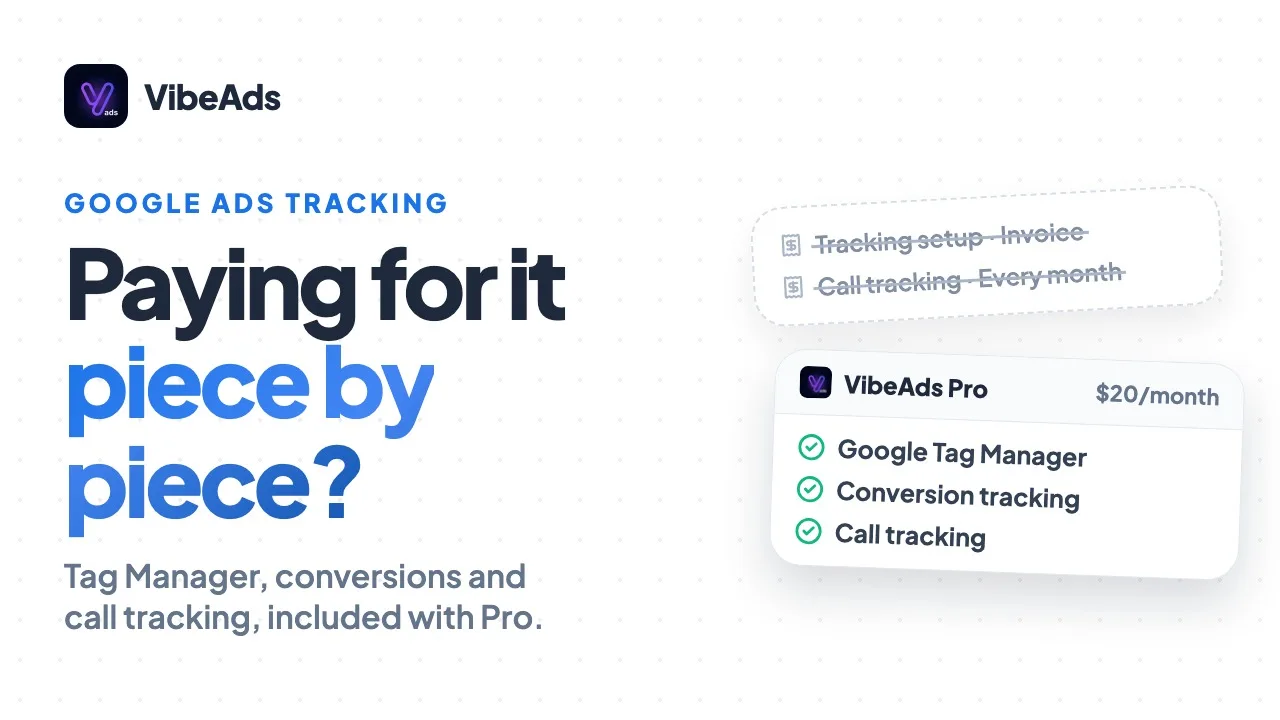
Pick by how much of the routine you want to hand over. Free gives you a weekly look at what's wrong. Pro gives you the full schedule and lets you approve each fix. Max adds hands-free mode, so small, low-risk fixes don't wait for you.
| Free | Pro ($20/month) | Max ($149/month) | |
|---|---|---|---|
| Fresh numbers every 6 hours | Yes | Yes | Yes |
| Review for wasted money | Weekly check-up | Twice a day | Twice a day |
| Nightly check on which fixes work | No | Yes | Yes |
| Sunday recap email | No | Yes | Yes, with links to Undo |
| Approve fixes with one tap | No | Yes | Yes |
| Small, low-risk fixes go live on their own | No | No | Yes, hands-free on by default |
| Budgets and new ad groups | Your call | Your call | Your call |
The full plan list is on the pricing page.
How do you get the agents running?
The agents start once a campaign is published or imported. There is nothing to schedule.
- Publish a campaign with VibeAds, or import one you already run in Google Ads. New to ads? Start with our beginner's guide.
- Keep conversion tracking working. Every review and every nightly check leans on it. See conversion tracking.
- Open the Optimize tab on each campaign to see what the agents found and approve fixes.
- On Max, decide on hands-free per campaign. It is on by default. Turn it off for a campaign in an unusual stretch, like a seasonal push.
- Read the Sunday recap when it lands, and use the undo links if something doesn't look right.
FAQ: Hands-free Google Ads with VibeAds
Does hands-free run 24/7?
No. It runs on a schedule: fresh numbers every six hours, a review twice a day on Pro and Max, a nightly check on which fixes work, and a recap on Sundays.
Will the agents change your budget?
No. A budget raise is a suggestion. You make the change yourself with "Update Budget" on the campaign's Overview tab.
Is hands-free on the Pro plan, or only on Max?
No. Pro gets the full schedule, but every fix waits for your one-tap approval. Hands-free mode, where small, low-risk fixes go live on their own, is Max only.
Can you undo something the agent did?
Yes. Use the Undo button on the campaign's Optimize tab. On Max, the Sunday recap links straight to it.
Does the Free plan get any of this?
Free gets fresh numbers every six hours and a weekly check-up that shows what's wrong in your account health score. It doesn't apply fixes.
Bottom line
Google Ads rewards whoever keeps watching it, and after a full day of jobs that is rarely you. With VibeAds, agents do the watching on a schedule you can count on: numbers every six hours, a review twice a day and a nightly check on Pro and Max, and a recap on Sundays when there is news. On Max, small, low-risk fixes go live on their own and can be undone. Budgets and new ad groups stay your call. It's Pro at $20 a month, or Max at $149 a month with hands-free mode.