How do you run Google Ads for the first time with VibeAds?
You run your first Google Ads campaign with VibeAds in three steps: choose your trade, your service area and a monthly budget, let AI write the keywords, the ads and the ad groups, each with its own landing page, then look it over and send it to your own Google Ads account. Publishing your first campaign is free on the Free plan, and VibeAds needs no credit card. Google bills your clicks to your own Google Ads account.
There's no agency in the middle and nothing to learn up front. This guide walks through what you choose, what VibeAds builds, what you need on the Google side, and what the Free plan does and doesn't include.
Why try Google Ads if referrals already work?
Referrals and yard signs are great, but you can't switch them on in a slow week. People who need you today are searching Google, and Google Ads puts you in front of them when they search, for the job and the area you choose.
That doesn't mean ads replace word of mouth. It means you have something to turn up when the calendar is thin. If you're still deciding, our guides on whether Google Ads is worth it and what Google Ads costs a small business cover the trade-offs. Nothing here promises a spot on Google or a number of calls: that depends on your market, your budget and Google.
What do you choose, and what does VibeAds build?
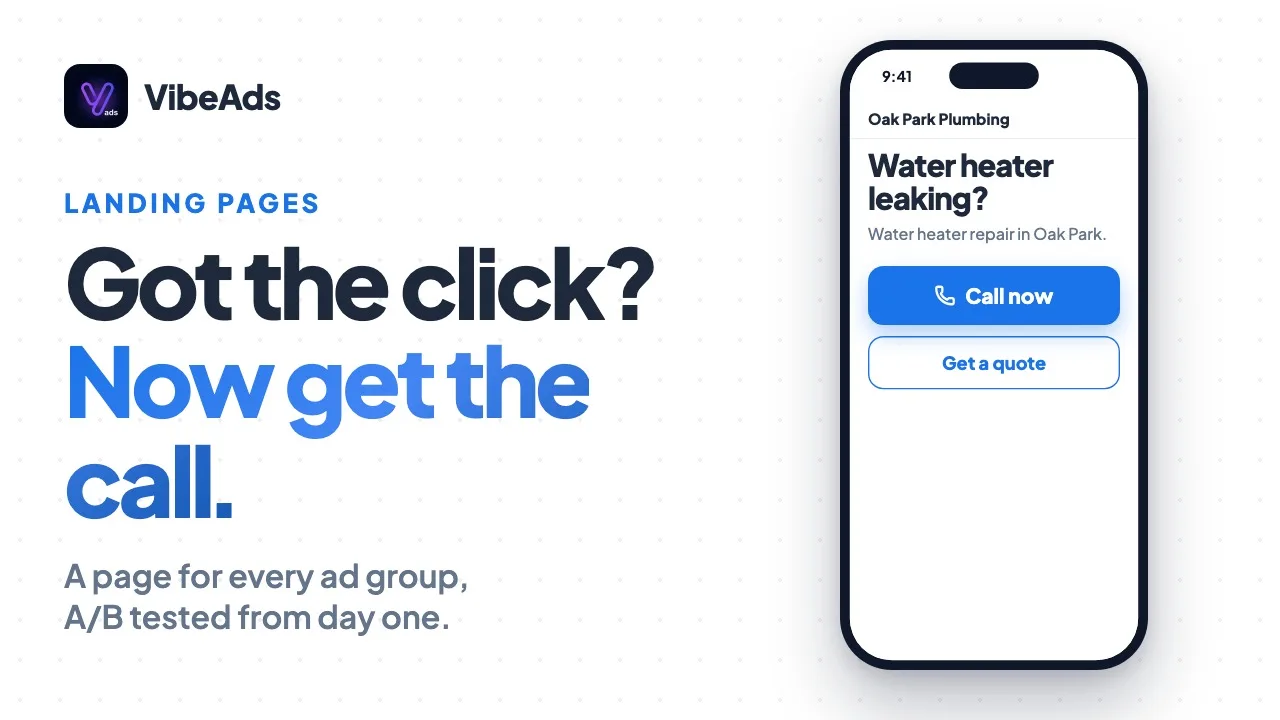
You make three choices: your trade, your service area and a monthly budget. From those, AI writes the keywords and the ads, groups them into ad groups, and builds a landing page for each ad group.
| You choose | What it decides |
|---|---|
| Your trade | The keywords, ads and page template, from 30+ categories |
| Your service area | Where your ads show. On Free you target cities and states |
| A monthly budget | How much you spend, and how many ad groups the campaign can carry |
| VibeAds builds | What you get |
|---|---|
| Keywords | The searches your ads show up for |
| Ads | The headlines and descriptions people see on Google |
| Ad groups | Your services split up, so each search gets a matching ad. Free builds exactly 3 |
| Landing pages | One for each ad group, built and hosted for you |
Pro and Max can build more ad groups, as your budget allows. Your trade isn't in the list? You can still pick a custom category.
What do you need on the Google side?
You need your own Google Ads account, connected to VibeAds with Google sign-in, with billing set up in Google. VibeAds never creates the account for you and never touches billing: Google bills the clicks to your account.
- A Google Ads account on the Google login you use. Creating one is free and takes a few minutes. The connect Google Ads docs walk through it.
- Billing set up in Google Ads. Without it, Google won't accept the campaign and publishing fails.
- Connect it to VibeAds with the Connect Google Ads button and the Google sign-in popup.
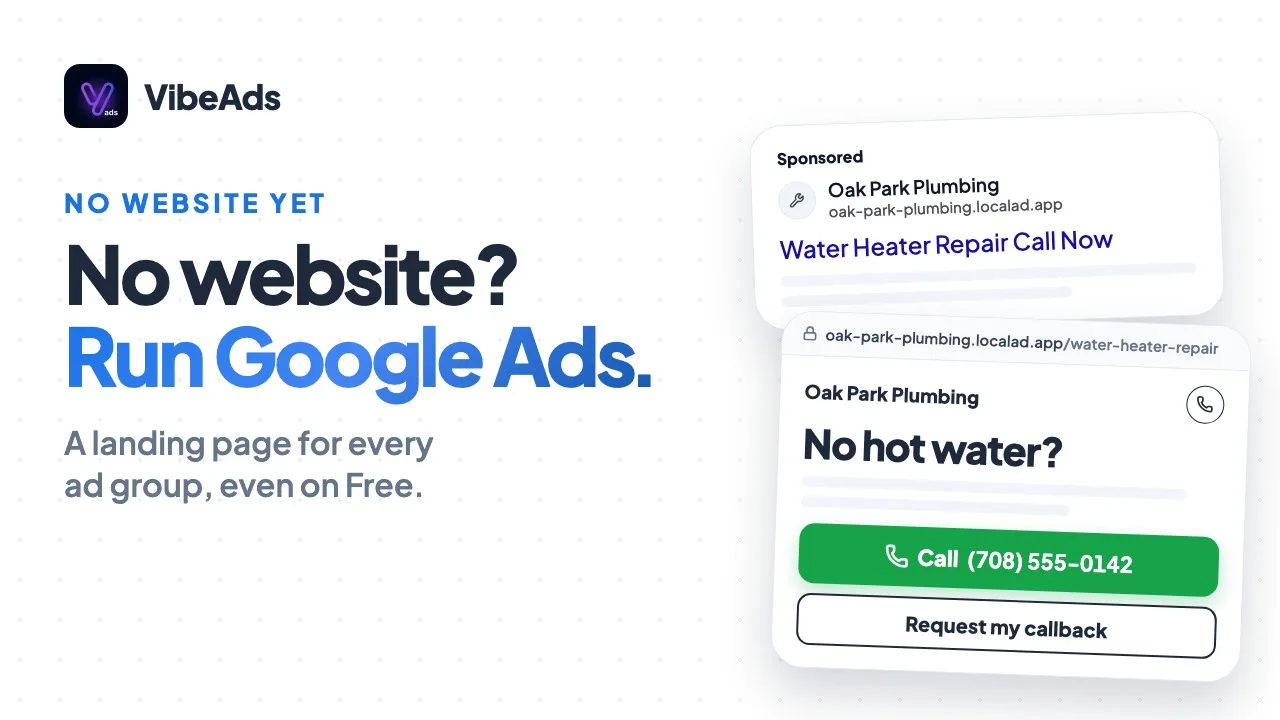
You don't need a website. VibeAds builds and hosts the page each ad points to: see Google Ads without a website.
What happens when you publish?
When you publish, VibeAds sends the whole campaign to your Google Ads account: the keywords, the ads, the ad groups and the links to your landing pages, then switches the campaign on. Before that, you look it over on the strategy review page and change anything you want.
- Look it over. Read the ads and keywords and edit before anything goes to Google.
- Send it to Google Ads. The campaign shows up in your own account.
- It's switched on for you. Once everything is in place, VibeAds turns the campaign on. If it can't, for example because Google refuses, the campaign stays paused, nothing is spent, and VibeAds tells you why. You can then start it with Enable on the campaign page.
- Google reviews your ads. New ads are reviewed by Google before they run.
So ads don't show the moment you press publish: Google reviews new ads first.
What is free, and what costs money?
Publishing your first campaign is free on the Free plan, and VibeAds needs no credit card for it. What you pay for is your clicks, and Google bills those to your own Google Ads account.
- Free publishes one campaign for the life of the account, and drafts count toward it.
- The strategy uses credits. Free gets 60 credits a month, and building a strategy costs 13 of them. Publishing itself is free.
- Your ad spend goes to Google. You set the budget, and Google charges your account for clicks.
That's why we say "free to publish" and not "completely free": your clicks are paid to Google, the same as for anyone running Google Ads.
What does each plan add after your first campaign?
Free gets your first campaign built and published. Pro adds unlimited campaigns and fixes you approve. Max runs hands-free.
| Free | Pro ($20/month) | Max ($149/month) | |
|---|---|---|---|
| Campaigns | 1 | Unlimited | Unlimited |
| Ad groups | Exactly 3 | More, as your budget allows | More, as your budget allows |
| A landing page for every ad group | Yes | Yes | Yes |
| Targeting | Cities and states | More options | More options |
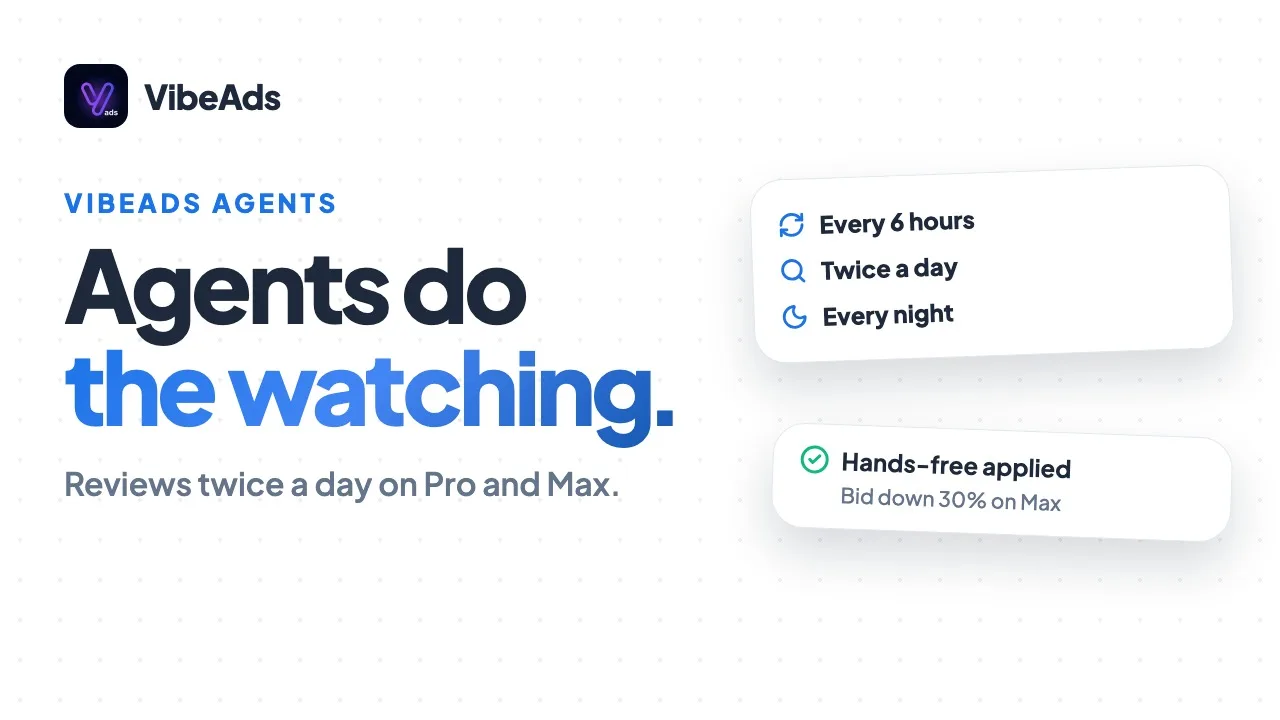
| Agent checks | A weekly check-up | Twice a day, fixes you approve | Twice a day, small low-risk fixes on their own |
| Credits a month | 60 | 150 | 500 |
On Free, the agent checks your campaign once a week and shows what it found, but doesn't change anything. The hands-free guide explains the schedule on Pro and Max, and the full plan list is on the pricing page.
What mistakes should first-timers avoid?
The common first-time mistakes are skipping billing, signing in with the wrong Google login, and judging results in the first few days.
- No billing in Google Ads. Publishing fails without it. Set it up in Google first.
- Missing a campaign left paused. If VibeAds can't switch your campaign on, it tells you why and leaves it paused. Start it with Enable on the campaign page.
- Signing in with the wrong Google login. Connect with the login that owns or can reach your Google Ads account.
- Judging it on day two. Google reviews new ads first, and a new campaign needs time and clicks before the numbers mean much.
- Starting a throwaway draft. On Free, drafts count toward your one campaign, so start the one you mean to run.
FAQ: Google Ads for beginners
Do you need a credit card to start?
Not for VibeAds. Publishing your first campaign on Free needs no card. Google needs billing set up in your Google Ads account, because Google bills your clicks there.
Do you need a website?
No. VibeAds builds and hosts a landing page for each ad group, on every plan.
Do your ads start as soon as you publish?
Not right away. Publishing switches the campaign on in Google Ads, but Google reviews new ads before they run. If VibeAds can't switch it on, it stays paused, nothing is spent, and VibeAds tells you why.
How many campaigns can you publish on Free?
One, for the life of the account. Drafts count toward it. Pro and Max have unlimited campaigns.
Is the Free plan completely free?
Publishing is free, and VibeAds needs no card. Building the strategy uses 13 of your 60 monthly credits, and Google bills your clicks to your own Google Ads account.
Bottom line
You don't need an agency, a website or a marketing background to run your first Google Ads campaign. With VibeAds you choose your trade, your area and a budget, AI writes the keywords, ads and pages, and you look it over before it goes to your own Google Ads account. Publishing switches it on, Google reviews the ads, and you're paying Google for clicks, not VibeAds. When you want more, Pro is $20 a month and Max is $149 a month. The first campaign docs go step by step.