What is the VibeAds Lead CRM?
The VibeAds Lead CRM is the Leads list inside VibeAds where every lead from your ads ends up. Form fills on your VibeAds landing pages and qualified calls to your VibeAds tracking number land in one list, scored and marked New. A thank-you email goes out right away in your business name to leads who leave an email address, and you can turn on two follow-up emails at 24 and 72 hours. It is included with Pro at $20 a month and Max at $149 a month.
It is built for the leads your Google Ads bring in. You don't copy them into a spreadsheet, and you don't pay another bill just to send follow-ups.
Why do leads from Google Ads go cold?
Leads go cold because they arrive while you're working. You're under a sink, a new lead sits in your inbox, and by the time you see it the customer may have called someone else. Then the lead gets copied into a spreadsheet by hand, and follow-ups need another tool and another monthly bill.
You already paid for the click behind that lead. A list that shows what came in, and an email that answers the customer while you can't, keep that click from going to waste. For the ad side of getting more of them, see our guide on how to get more leads from Google Ads.
Where do the leads in the list come from?
The leads in the list come from the two places VibeAds handles for your ads: the landing pages it builds and hosts, and its call tracking numbers. Both land in the same Leads list.
| Where the lead starts | What lands in your Leads list |
|---|---|
| A form on a VibeAds landing page | A new lead, scored and marked New |
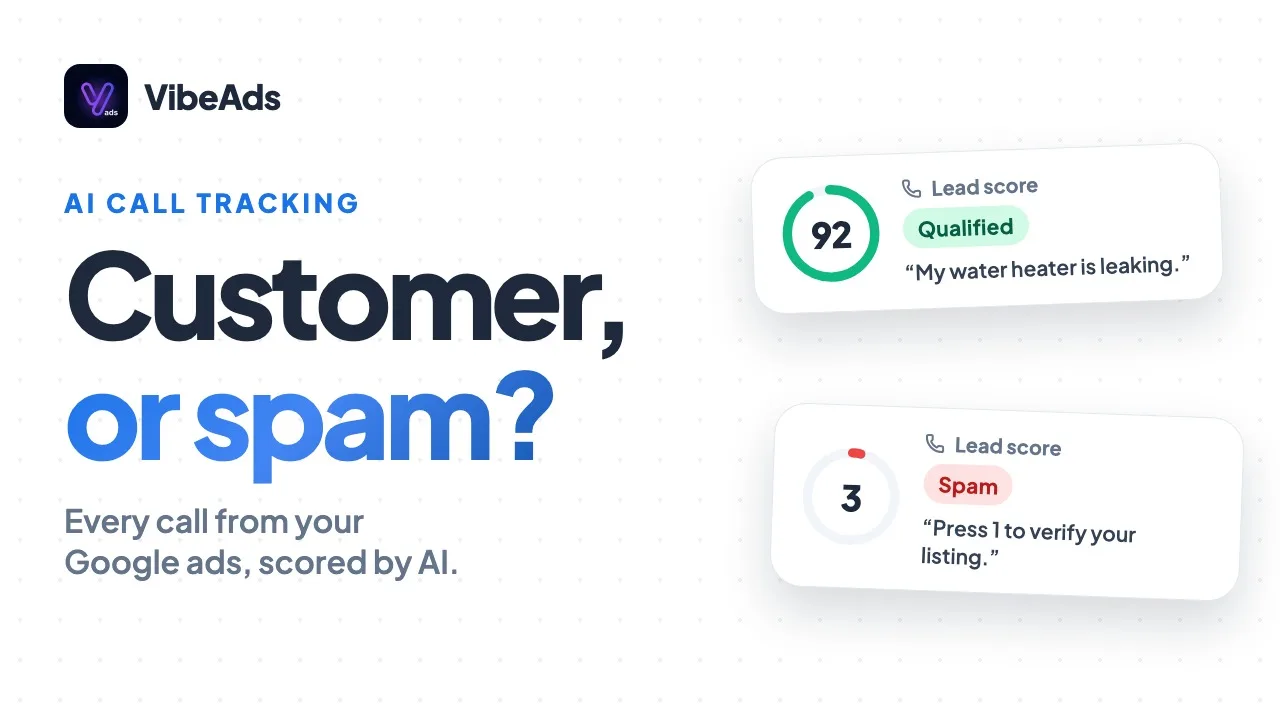
| A call to your VibeAds tracking number | A lead, once the AI scores the call 30 or more out of 100 and it isn't spam |
Calls come with the caller's number and a summary of the call, and you can jump from the call in the Calls tab to its lead. Call tracking covers how calls are recorded and scored.
One thing to know: if your ads point at a form on your own website, those form fills don't reach VibeAds, so they won't show up in the list.
What happens when a new lead comes in?
When a new lead comes in, it lands in your Leads list, scored and marked New, and if the customer left an email address, a thank-you email goes out right away in your business name. If you've turned on follow-ups, two more emails are scheduled for 24 and 72 hours later.
- Someone fills in the form on your page, or calls your tracking number and the call scores as qualified.
- The lead lands in your Leads list, scored and marked New.
- A thank-you email goes out right away, in your business name, if the lead typed an email address.
- Follow-ups go out at 24 and 72 hours, if you've switched them on, while the lead is still New.
- You open the lead, and the follow-ups stop. From here it's your conversation.
The emails use the customer's name exactly as they typed it.
How do the thank-you email and follow-ups work?
The thank-you email is on by default and goes out right away, in your business name, to every lead who leaves an email address. Follow-ups are off until you switch them on in the Email Builder. There are exactly two, at 24 and 72 hours, and they go out while the lead is still New and stop once you open it.
| When it goes out | Who gets it | Default | |
|---|---|---|---|
| Thank-you email | Right away | Leads who left an email address | On |
| First follow-up | 24 hours later | Leads still marked New | Off until you switch it on |
| Second follow-up | 72 hours later | Leads still marked New | Off until you switch it on |
A few details shape how follow-ups behave:
- They need the thank-you email on. Follow-ups are scheduled only after the thank-you email sends.
- They cover new leads only. Switching them on covers leads that arrive after that, not leads already in the list.
- Opening the lead stops them. The idea is that they keep a lead warm until you get to it, not that they talk over you.
- No email address, no emails. A lead who only left a phone number gets no email. Call them back.
What can you do with a lead in the list?
Inside the Leads list you can add notes, tag leads, change their status and export the list to CSV. Each lead keeps its score, so the ones most likely to be real jobs are easy to spot.
- Notes. Keep what the customer told you on the lead, so it's there when you call back.
- Tags and statuses. Sort leads your way and move them on from New as you work them.
- CSV export. Take the list into a spreadsheet or another tool whenever you want.
- Email Builder. Set up the thank-you email and follow-ups with your logo, and switch follow-ups on.
The CRM doesn't use your monthly credits.
Does the Lead CRM work with Jobber?
Yes. If you run your business in Jobber, connect it on Pro or Max and new leads from your VibeAds pages, plus qualified calls, are also created in Jobber as a client and a request, so nobody types them in twice. The lead's Jobber status then shows in VibeAds as you work the job.
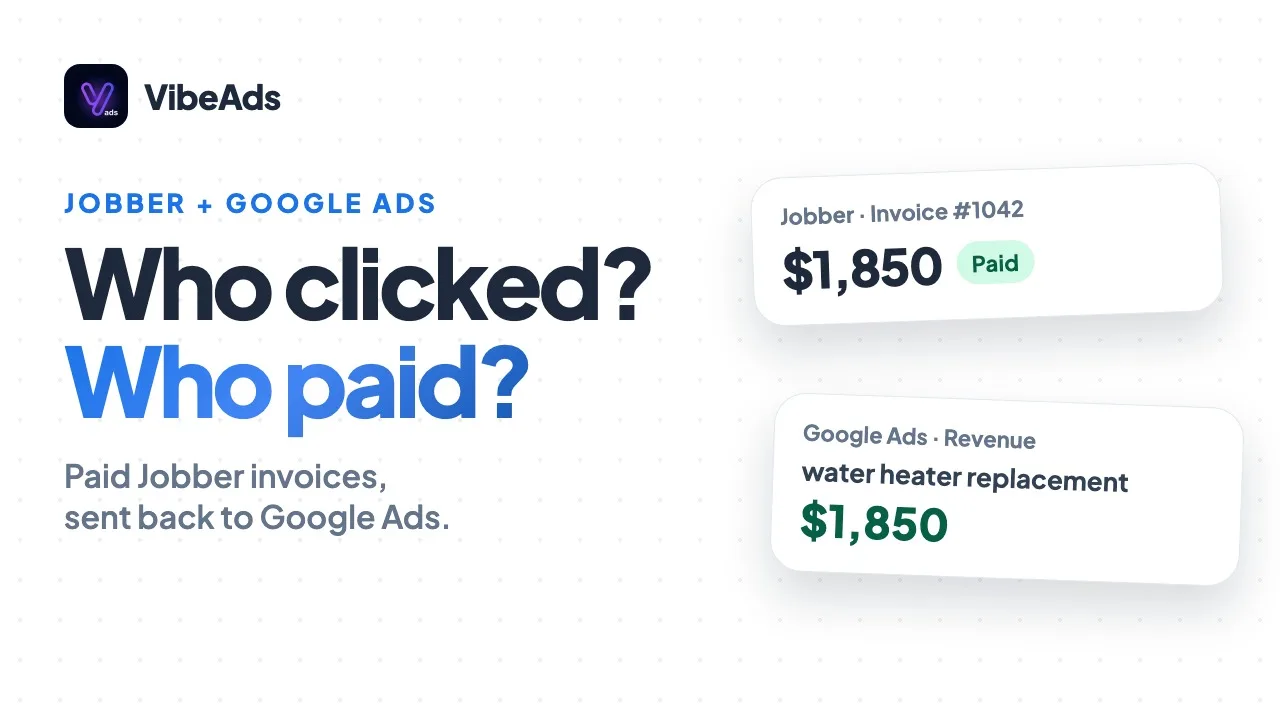
On Max, when the invoice is paid in Jobber, that revenue goes back to Google Ads. The Jobber guide covers the whole loop. Jobber is the field service tool VibeAds connects to today.
Which plans include the Lead CRM and follow-up emails?
The Lead CRM and follow-up emails are included with Pro at $20 a month and Max at $149 a month, at no extra charge. They aren't on the Free plan.
| Free | Pro ($20/month) | Max ($149/month) | |
|---|---|---|---|
| Leads list, scored and marked New | No | Yes | Yes |
| Thank-you email in your business name | No | Yes, on by default | Yes, on by default |
| Follow-ups at 24 and 72 hours | No | Yes, when switched on | Yes, when switched on |
| Notes, tags, statuses and CSV export | No | Yes | Yes |
| Email Builder with your logo | No | Yes | Yes |
| Qualified calls in the list | No | Yes, with call tracking | Yes, with call tracking |
Full plan details are on the pricing page.
How do you set it up?
There's very little to set up, because leads from your VibeAds pages land in the list on their own. The part you choose is the emails.
- Be on Pro or Max.
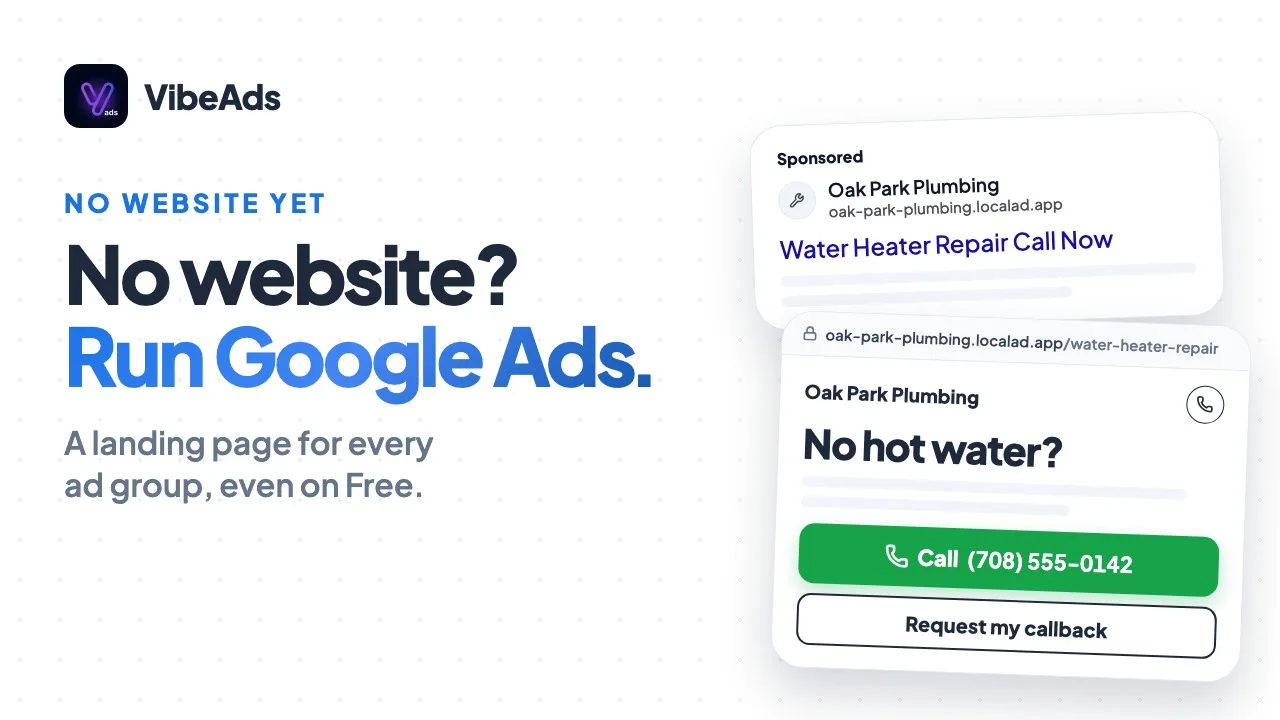
- Point your ads at VibeAds landing pages. That's what puts form fills in the list. No website of your own? See Google Ads without a website.
- Add call tracking if calls matter to you, so qualified calls join the list too.
- Open the Email Builder. Check the thank-you email, add your logo, and switch on follow-ups if you want them.
- Open new leads when you can. Opening a lead stops its follow-ups, so you aren't emailing someone you've already talked to.
What mistakes should you avoid?
The common mistakes are sending ads to a form VibeAds doesn't see, expecting follow-ups for leads already in the list, and leaving new leads unopened.
- Ads pointing at your own website form. Those leads never reach the list. Use VibeAds pages for your ads.
- Switching on follow-ups and expecting them for old leads. They only cover leads that arrive after you turn them on.
- Turning off the thank-you email. Follow-ups are scheduled after it sends, so without it there are no follow-ups.
- Leaving leads on New after you've called. Open the lead so the follow-ups stop.
FAQ: Lead CRM and follow-up emails
Who gets the thank-you email?
Only leads who typed an email address. It goes out right away, in your business name.
How many follow-up emails are there?
Two, at 24 and 72 hours. They are off until you switch them on in the Email Builder, and they stop once you open the lead.
Do follow-ups go to leads already in your list?
No. They cover leads that arrive after you switch them on.
Do calls show up in the Leads list?
Yes, with call tracking on Pro or Max. A call becomes a lead when the AI scores it 30 or more out of 100 and it isn't spam.
Is the Lead CRM on the Free plan?
No. The Lead CRM and follow-up emails are included with Pro at $20 a month and Max at $149 a month.
Bottom line
A lead you paid for shouldn't sit in your inbox while you finish a job. With VibeAds, leads from your pages and tracked calls land in one scored list, a thank-you email goes out in your business name right away, and two follow-ups can keep the lead warm until you open it. No spreadsheet and no extra bill for follow-ups: it's included with Pro ($20 a month) and Max ($149 a month).