What is competitor targeting on Google Ads?
Competitor targeting on Google Ads means bidding on another company's name as a keyword, so your ad can appear when someone searches for them. On the Max plan, you type your competitors' names when you build a campaign, and VibeAds adds an ad group for each one: keywords built on their name, three ads written for people comparing their options and, with VibeAds template pages, a landing page for people thinking of switching. Your ads never spell out a competitor's full name.
It sits next to two other jobs. One is protecting searches for your own name, which VibeAds does on Pro and Max with a brand ad group. The other is winning everyday service searches like "water heater repair", which the rest of your campaign is built for. Treat competitor ad groups as a small, measured test on top of service campaigns that already bring in calls. Our step-by-step guide to targeting competitors covers the do-it-yourself version.
Is it allowed to bid on a competitor's name on Google Ads?
Yes. Google's trademark policy says it will not restrict trademarks used as keywords, so you can bid on a competitor's business name. Ad text is treated differently: if a trademark owner files a complaint, Google reviews it and may stop a direct competitor from using that trademark in its ads, and it restricts ads that use a trademark in a confusing or misleading way.
That is why VibeAds keeps a competitor's full name out of your headlines and descriptions, pins a first headline that never uses their name, and writes the ads as plain text without keyword insertion, which would copy the competitor's name from your keywords into a headline. The full name still appears in your keywords, which searchers never see, and on the competitor landing page.
Google's policy isn't the only rule that applies, and trademark law differs from country to country. If a competitor's name is a registered trademark and you aren't sure where the line sits, get advice before you run the ads.
When is competitor targeting worth it for a local service business?
Competitor targeting is worth a test when a local rival keeps showing up in the same searches as you, when you have a real reason for their customers to switch, and when your service campaigns already bring in calls. It's usually a poor bet against national brands people are loyal to, on a budget that barely covers your core services, or when nobody can answer the phone for people comparing prices.
| Bid on the name when | Skip it, or add it as a negative keyword, when |
|---|---|
| A local rival keeps appearing next to you | The name is a national brand with loyal customers |
| You can point to something real: response time, a warranty, financing, reviews | Searches around the name are mostly job hunting, DIY or complaints |
| Your service campaigns already bring in calls | Your core campaigns still pay for DIY and job searches |
| There is budget left after your core services | The daily budget is already tight |
To find names worth testing, open the Auction insights report in your Google Ads account, which lists the other advertisers in your auctions by website. Start with a short local list. Our post on how VibeAds approaches competitor targeting walks through the bid, negative or ignore call for each name.
How do you add competitors in VibeAds?
You add competitors in one of two places: the Target Competitors box on the last step of the new campaign wizard, or the Competitors tab of a campaign that's already live in Google Ads. Both come with the Max plan; on Free and Pro they show an upgrade link instead. Either way, each competitor gets the setup described below.
- Start a new campaign and work through Category, Location, Budget and Business.
- On the Generate step, type each competitor's name into Target Competitors and press Enter. A name can be up to 50 characters and five words, because it becomes part of your keywords.
- Generate the strategy and check each competitor ad group on the strategy review page, where you can remove any you don't want.
- Publish.
Type the name the way people search for it, like "Acme Plumbing". You can type a website instead, and we'll read that competitor's homepage and have AI write the ads from it, but the keywords then come from the address too: "acmeplumbing.com" becomes "acmeplumbing", which few people type.
On a live campaign, open the Competitors tab, enter the name (and the website in its own field, if you like) and click Generate Competitor Ad Groups. The new ad groups go to Google Ads straight away, with the same three ads, keywords, negative keywords and starting bid as a competitor added during setup, and your other live ad groups get the new negative keywords too.
What does VibeAds build for each competitor?
Each competitor gets its own ad group in the campaign, named after them. It holds keywords built on their name, negative keywords that screen out job hunters and people looking for their login page, three responsive search ads and, with template pages, a landing page for people thinking of switching.
| Part | What you get |
|---|---|
| Keywords | Up to ten: their name on its own, four comparison phrases such as "better than [name]", "switch from [name]" and "companies like [name]" (phrase match), and their name with alternatives, reviews, pricing, cost and vs (exact match). Your trade is added when their name doesn't already say it. |
| Negative keywords | Their name with login, careers, jobs, salary and employee |
| Ads | Three responsive search ads: why switch, value and trust, each with up to 15 headlines and 4 descriptions, and a pinned first headline that never uses their name |
| The ad's web address | The path after your domain reads /Alternative/Compare |
| Landing page | With VibeAds template pages, a single page that opens with "Thinking of switching from [name]?" |
| Separation | The competitor's keyword phrases and the distinctive words of their name ("Acme", never "plumbing") become negative keywords in your other ad groups, and your service keywords and business name become negatives in the competitor ad group, so they don't compete for the same searches |
What do the competitor ads say, and what stays out of them?
Each competitor gets three ads: one makes the case for switching, one is about value and pricing, and one is about trust. The first headline of each is pinned to the top and names your business when the name fits, as in "Why Not Oak Park Plumbing?", "Oak Park Plumbing Free Quote" and "Call Oak Park Plumbing Today". It never uses the competitor's name, so the top line can't read as their own ad. Every headline and description is checked against the competitor's name before it's saved, with and without spaces, and any line that spells out the full name is dropped.
A few headlines use one word from the name, the part people know them by, in lines like "Switch From Acme" or "Better Than Acme?". Trade and generic words don't count: from "Mr. Rooter Plumbing" the word is "Rooter", never "Plumbing", and a name made only of such words, like "Pro Plumbing Services", gets no lines of this kind.
The ads make no claims about your business. There are no licenses, years in business, ratings, warranties, response times or price promises in them, and no words like "trusted" or "affordable", because the same lines run for every business in your trade. They invite people to compare, ask and call: "Compare Prices First", "Ask What It Includes", "Get A Second Opinion".
If you gave a website, AI writes the ads to answer what the competitor's homepage says, under the same name check and the same rule on claims. Lines that fail either are dropped, and if too few are left for even one ad, or the site can't be read in time, you get the standard ads instead.
Where do people land after they click a competitor ad?
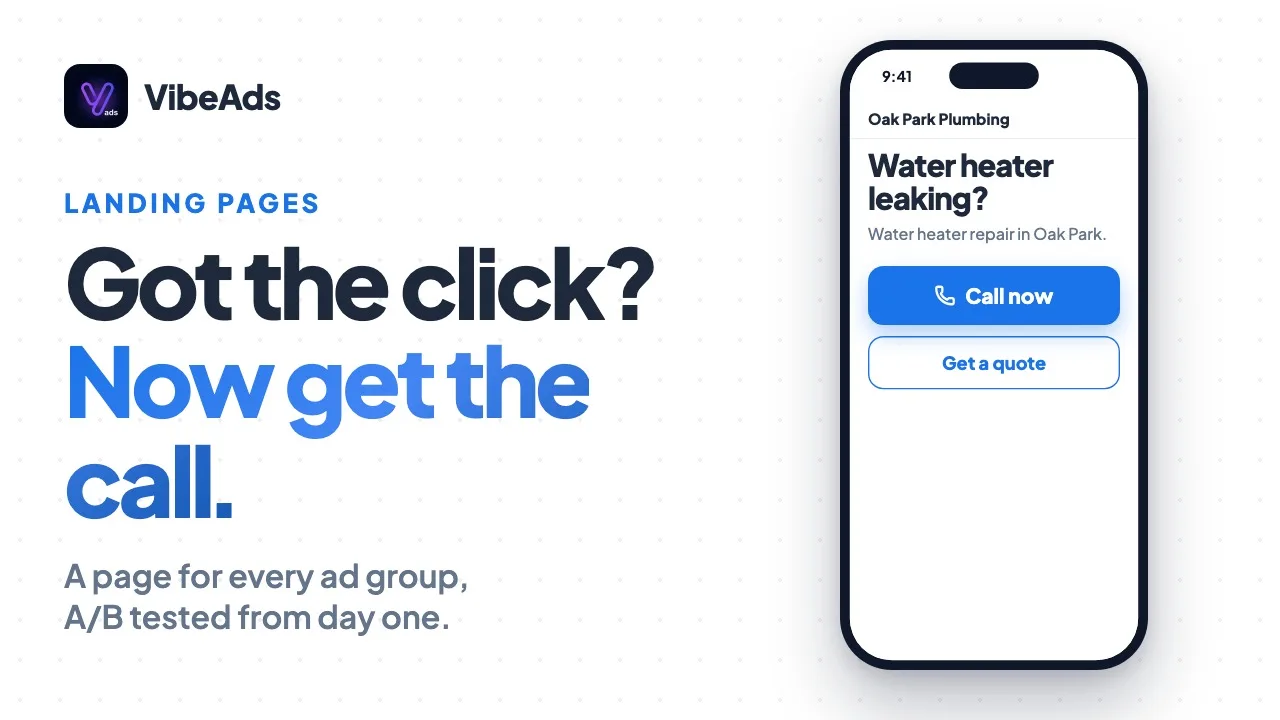
When your campaign uses VibeAds template pages, the default for the 30 trades we have templates for, each competitor ad group gets its own single page instead of the quiz. It opens with "Thinking of switching from [name]?", a call button and a short quote form. Under the buttons is a row of up to three facts about your business, then your service area and the free quote. When there's more than fits in that row, or we found your Google rating, a "Why switch to [your business]?" section lists everything. Then come your services, your service area and a last call button.
Every fact on the page has a source: what you entered in Trust Signals in Settings, your Google rating (shown when it's 4.0 or higher from at least 5 reviews), or what your own website says about you, such as your license number or warranty. There are no stock license or insurance lines, no counters and no promise of how fast you'll call back. Settings shows what we found, with the sentence it came from, and you can turn any of it off.
Form fills arrive as leads like any other page's, taps on the call buttons count as phone call clicks in your conversion tracking, and with call tracking on, the page shows your tracking number. It's the one place people see the competitor's full name. It's kept out of search engine results, and it runs as a single version, without the A/B test our quiz pages start with (see landing pages).
With Use My Website, competitor ad groups send people to your site instead.
How does brand defense protect searches for your own name?
On Pro and Max, every new campaign VibeAds builds also gets an ad group for your own business name, so your ad can show when people search for you, even when a competitor is bidding on your name. It covers your name alone and with words like reviews, pricing, cost, phone number, your trade and your city, plus a misspelling or two, and starts at half the average cost per click for your trade.
Google lets anyone bid on your name. If a rival does and you don't, their ad can be the first thing someone sees when they look you up, which is why your own name comes before anyone else's.
Your other ad groups carry your business name as a negative keyword, so searches for you land in the brand ad group, with its own three ads (official, value and local) and, with VibeAds template pages, a "Welcome to [your business]" page built the same way as the competitor page. Negative keywords keep out job seekers and people looking for a login page. It needs a business name of at least three characters and, like competitor ad groups, doesn't count toward your plan's ad group limit.
How do competitor ad groups use your budget and bids?
Competitor ad groups sit inside the same campaign and share its daily budget. They don't count toward your plan's ad group limit, and they aren't counted when VibeAds works out how many service ad groups your budget can support, so every competitor you add spreads the same budget across one more ad group. On a small budget, keep the list short.
They also don't get a bid researched from their own keywords: a competitor ad group starts at your campaign's standard bid, whichever way you add it. You can change it in your Google Ads account.
Competitor targeting comes with the Max plan at no extra charge. A competitor ad group uses credits the way any ad group does, for its image and when you publish. Plan details are on the pricing page.
What should you check before you publish?
Read every competitor ad group on the strategy review page before you publish. You can't edit single lines there, but you can remove a whole ad group, and after publishing you can pause one in Google Ads.
- The keywords are built from the name as you typed it, so make sure it matches how people search.
- The word taken from their name should be the one people know them by. If the name has no such word, the ads simply leave it out.
- Lines written from a website. If you gave a competitor's website, read the AI-written lines and make sure the comparison is fair to them and true of you.
- Your facts. The landing page shows only what you entered in Settings, your Google rating and what your own website says. Check what we found under Trust Signals in Settings and fill in anything missing, or the page has little to say about why someone should switch.
How do you tell whether competitor targeting is paying off?
Judge it on calls, leads and booked jobs from the competitor ad groups, compared with your service ad groups over the same weeks, not on clicks or click-through rate. Each competitor has its own ad group, so Google Ads reports its cost, clicks and conversions separately, and you can pause the ones that don't earn their place.
Give each test a fixed budget and a few weeks, long enough for real calls to come in. Some people who search a rival's name have already chosen them, so the number to watch is cost per booked job, set against your service ad groups.
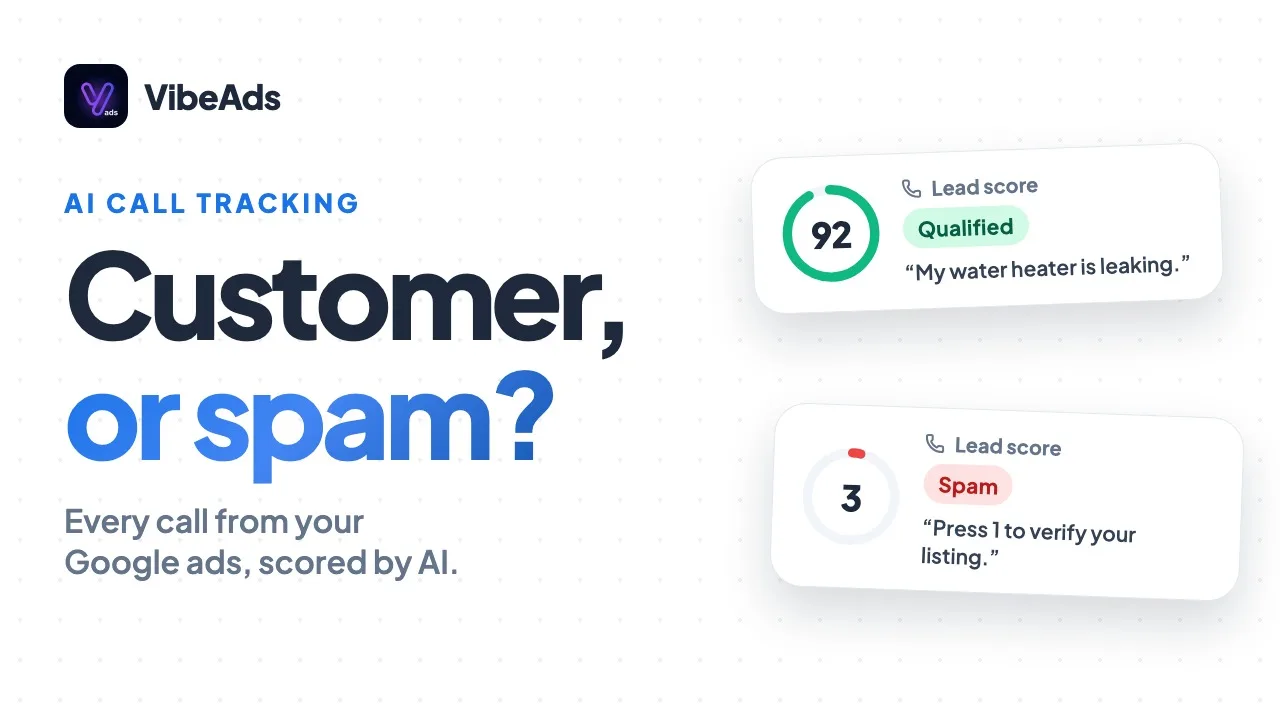
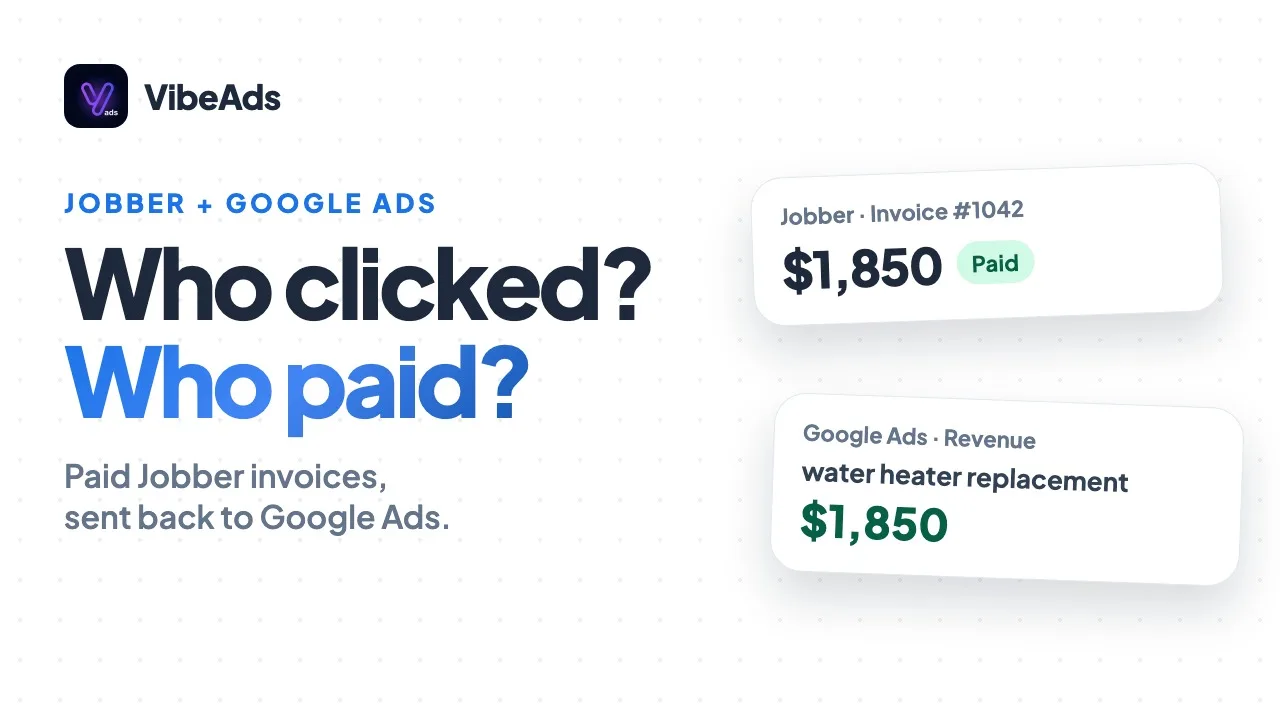
Calls tell you the most. With call tracking, each call gets a recording, a transcript and an AI lead score, so you can hear whether a caller wanted to switch or was trying to reach the other company. The Jobber integration, also on Max, sends paid invoices back to Google Ads, so paid jobs from competitor clicks show up there as revenue.
FAQ: Competitor targeting on Google Ads
Does VibeAds bid on your competitors automatically?
No. VibeAds only builds competitor ad groups for names you enter, while building a campaign or from the Competitors tab. It never adds a competitor on its own.
Will your ads show the competitor's name?
Not in full. Headlines and descriptions never contain a competitor's full name, though a few headlines use one word from it, and the pinned first headline never uses their name. The full name appears only in your keywords, which searchers don't see, and on the competitor landing page.
Which plan includes competitor targeting?
Max. Competitor ad groups and their landing pages come with the Max plan. On Free and Pro, the Target Competitors box and the Competitors tab show an upgrade link. The brand ad group that covers searches for your own name comes with Pro and Max.
Can you add competitors to a campaign that's already running?
Yes, on Max, from the campaign's Competitors tab once it's live in Google Ads. The new ad groups go to Google Ads right away, set up the same way as competitors added during setup.
Can a competitor bid on your business name?
Yes. Google doesn't restrict trademarks used as keywords, so anyone can bid on your name. On Pro and Max, your brand ad group means your own ad can show on those searches too.
What happens if a competitor complains to Google?
Google won't restrict their name as a keyword. If they own a trademark and file a complaint, Google reviews it and may stop a direct competitor from using the trademark in ad text. Your ads never spell out the full name, so the headlines to watch are the ones that use a word from it.
Bottom line
Bidding on a rival's name is allowed and can reach people ready to switch, but it's a side bet next to the everyday service searches your campaign is built around. On Max, VibeAds makes the test quick: type the names while you build a campaign, and each gets its own ad group, ads that keep the full name out and make no claims you didn't, and a page for switchers built from your own facts. Pro and Max campaigns also get an ad group that protects your own name. Check your facts in Settings, give each test a fixed budget, and keep only the names that bring booked jobs.